

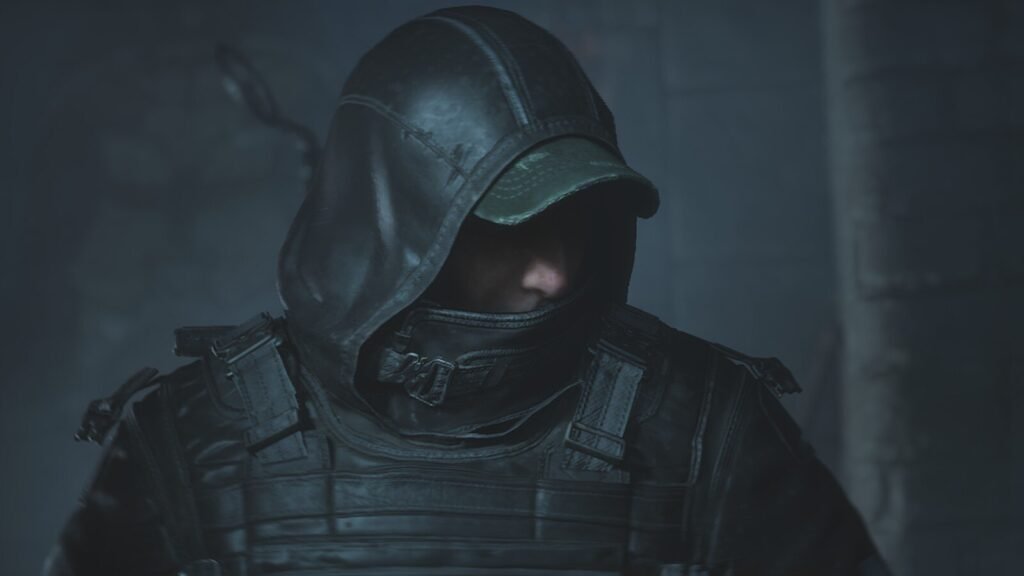
If you’re looking to jump straight into the action without having to replay every mission, the Hell Is Us 100% Completed Save Game is a handy option.
Table of Contents
This completed save file is designed for players who want to experience the game with all missions finished, without spending hours working through the entire campaign again.
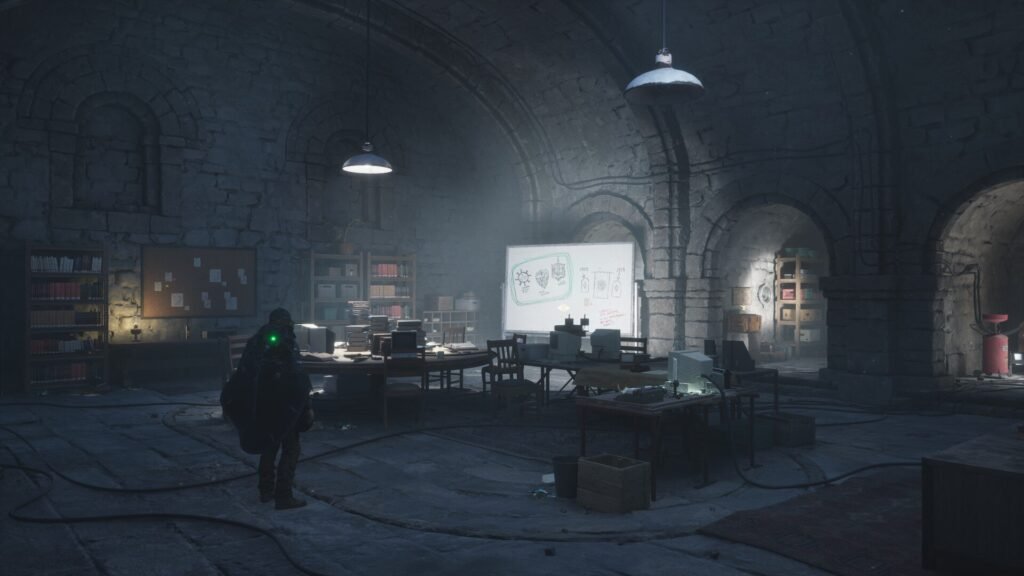
If you’ve already completed the game and want to revisit specific sections or simply want to explore the world with a fully progressed save, this guide will walk you through everything you need to know about downloading and installing the Hell Is Us full completion save file on PC.
What Is Hell Is Us 100% Completed Save Game?
The Hell Is Us 100% save game is a completed PC save file that allows you to load a game with the main progression already finished.
Instead of starting from the beginning and completing every mission yourself, you can use the completed save to pick up from an advanced stage of the game.
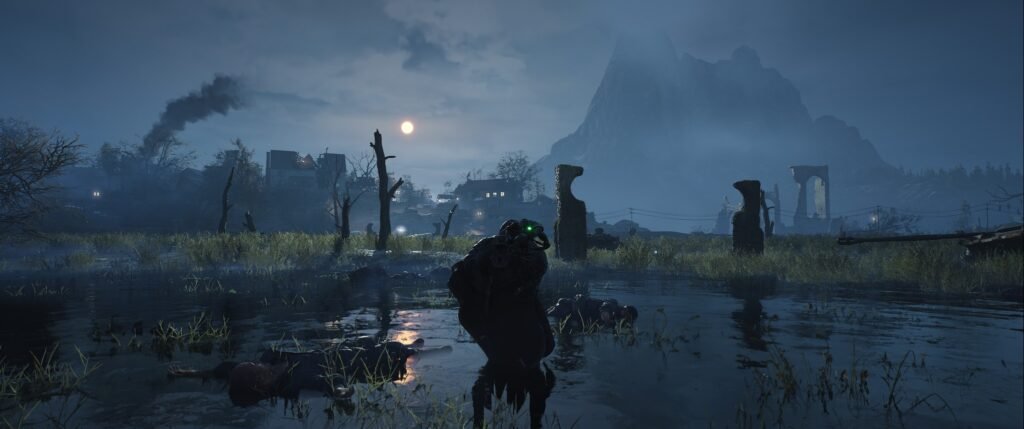
Depending on the save file version, it may include:
- All main story missions completed.
- Full campaign progression.
- Completed mission objectives.
- An advanced or fully progressed game state.
- Access to previously unlocked areas and content.
- A convenient starting point for further exploration.
Please note: Exact completion details can vary depending on the save file version. Optional objectives, collectibles and achievements may not all be included unless specifically confirmed by the save provider.
You may like: Tokyo Xtreme Racer: Best Settings for Low-End PCs
Hell Is Us Save Game Features
Here are some of the main reasons players might want to use Hell Is Us game 100% completed save files from here:
1. Full Mission Completion
Skip the lengthy campaign progression and load a save where the main missions have already been completed.
2. Save Time
If you’ve already played through Hell Is Us or simply want to explore its world without repeating the entire story, a completed save can save you a considerable amount of time.
3. Advanced Game Progression
Continue from a progressed game state rather than beginning a completely fresh playthrough.
4. Explore the Game Again
Revisit the experience, explore available locations and enjoy the game without having to repeat all the earlier missions.
5. PC Compatibility
The save file is intended for the PC version of Hell Is Us. However, compatibility may depend on your game version, platform and save folder structure.
You may like: Download Samson All Missions Completed SaveGames (100%) PC
How to Install Hell Is Us 100% Completed Save File on PC
Installing a completed save game is usually straightforward. Follow these steps carefully to avoid losing your existing progress.
Step 1: Download the Save File
Download the Hell Is Us 100% completed save game from download section. The downloaded file is compressed in ZIP or RAR format, extract it using a suitable archive.
Step 2: Locate Your Existing Save Game
Before replacing anything, find your current Hell Is Us save game folder. The location can vary depending on your installation and platform as shown in the video tutorial.
Check the game’s local AppData or Saved Games directories, as well as the relevant Steam user-data folder if you’re using Steam. You can also use Windows search to look for existing Hell Is Us save files.
Step 3: Create a Backup
This is an important step. Copy your existing save game folder and store it somewhere safe, such as your desktop or a separate backup folder. This allows you to restore your original progress if the downloaded save doesn’t work correctly.
Step 4: Copy the Completed Save File
Open the extracted save game folder. Copy the completed save files and place them inside the appropriate Hell Is Us save directory.
If Windows asks whether you want to replace existing files, only proceed if you’ve backed up your original save and confirmed that you’re using the correct files.
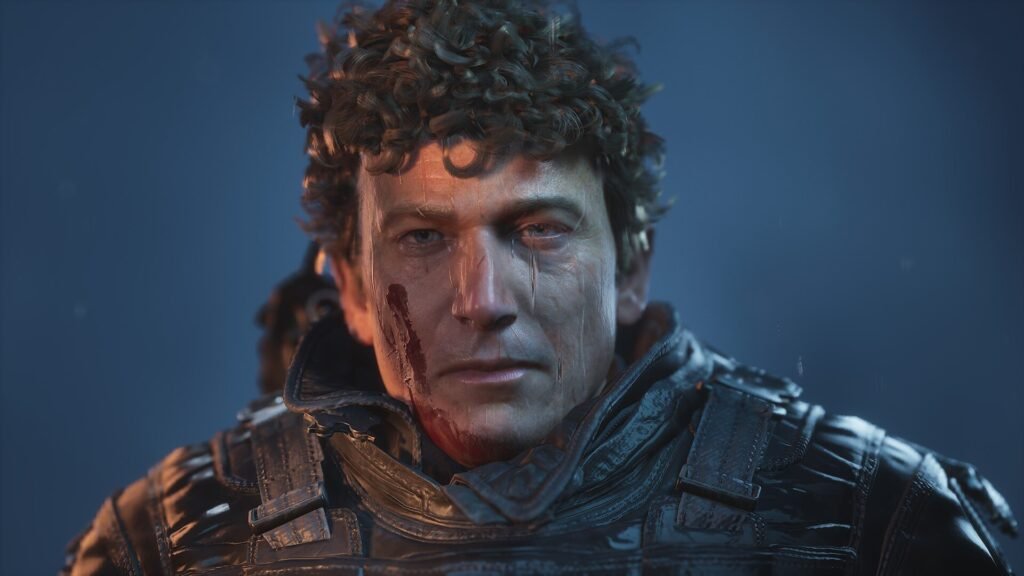
Step 5: Launch Hell Is Us
Start Hell Is Us through your usual game launcher. Open the Load Game menu and check whether the completed save appears.
If everything has been installed correctly, you should be able to load the advanced game progression and continue playing.
You may like: NaturalVision Enhanced (NVE) September 2026 Update
How to Fix Hell Is Us Save Game Not Showing Up
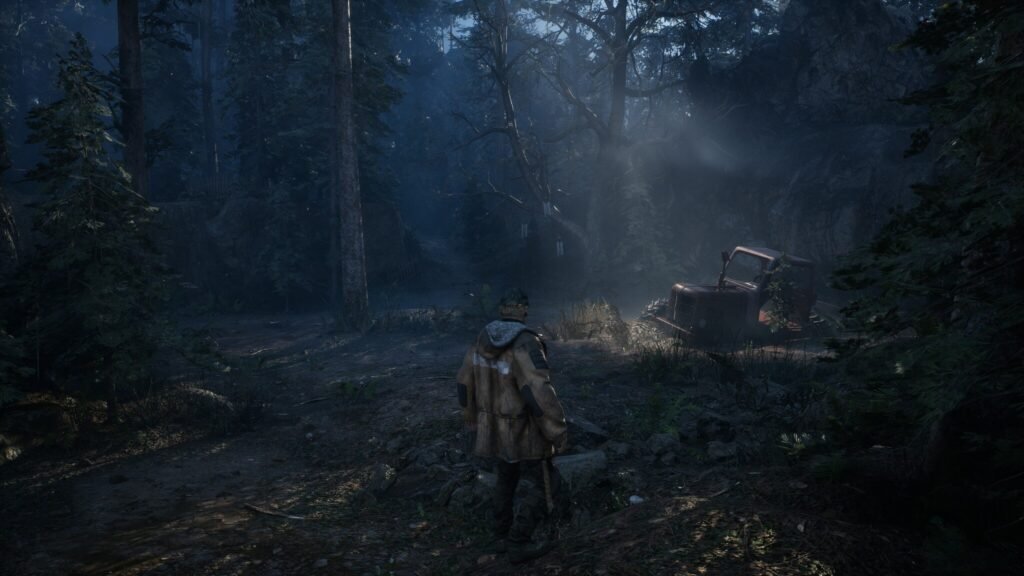
Sometimes a downloaded save file might not appear in the game’s Load Game menu. Don’t worry; there are a few things worth checking.
1. Check the Save Folder
Make sure you’ve copied the files into the correct directory. Avoid placing the save folder inside an extra nested folder by mistake.
2. Check Game Version Compatibility
A save created using a different game version may not work with your installation. Try to use a save file compatible with your current version.
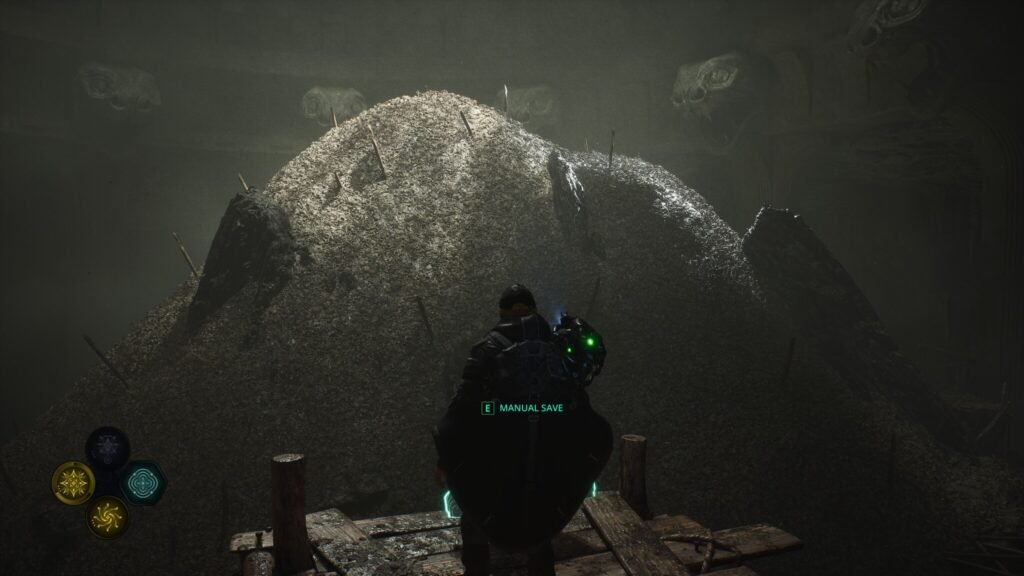
3. Extract the Files Properly
If the download is compressed, make sure you’ve extracted the actual save files rather than copying the ZIP or RAR archive into the save directory.
4. Check Cloud Save Synchronisation
If you’re using Steam Cloud or another cloud synchronisation service, it may restore an older save or conflict with manually copied files. Back up your progress before changing cloud settings.
5. Restart the Game
Close Hell Is Us completely after installing the save, then launch it again and check the Load Game menu.
You may like: Download DLSS 5 (RenoDX DLSS) Latest Releases
Is the Hell Is Us 100% Save Game Safe to Use?
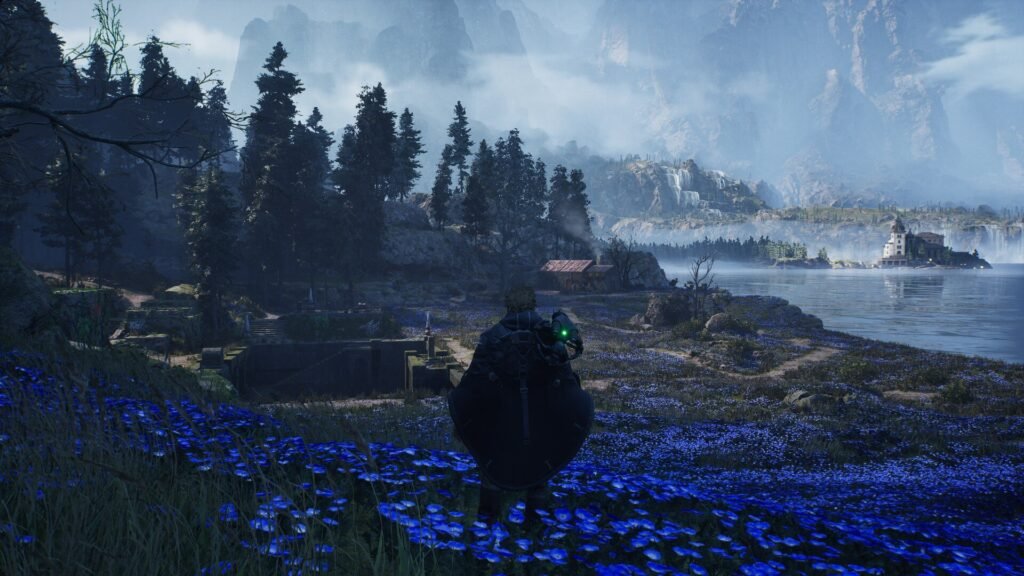
A save game file doesn’t normally modify the game’s executable files, but you should still download it from a trustworthy source.
For a safer installation:
- Scan downloaded archives with Windows Security or another reputable antivirus.
- Avoid suspicious installers and executable files.
- Never disable your antivirus just to install a save game.
- Back up your original progress before replacing anything.
A genuine save file should generally contain game data rather than requiring an unknown programme to run.
You may like: Buy GTA 5 at Discount 2026 Deals (PlayStation, Xbox & PC
Final Words
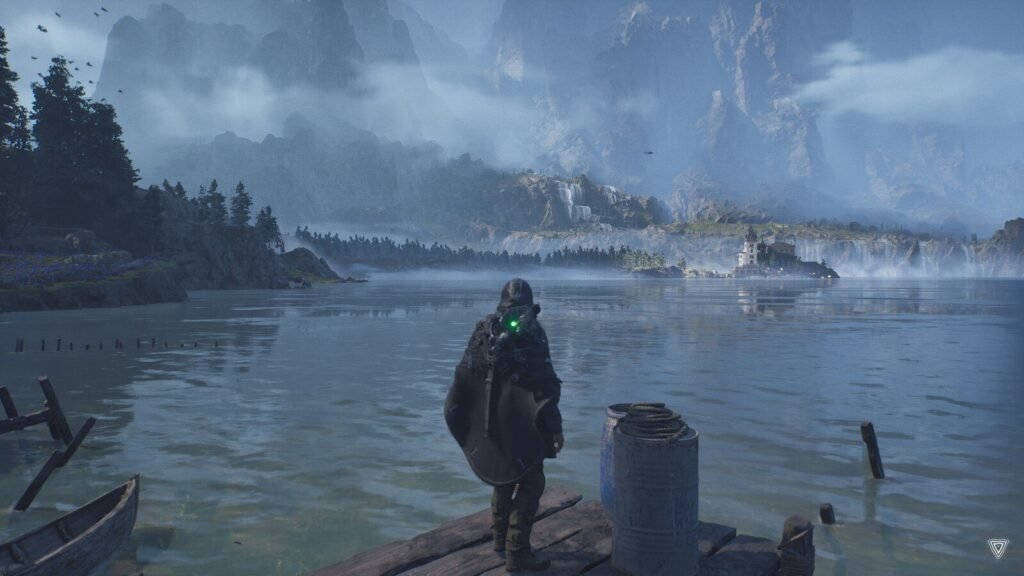
The Hell Is Us 100% Completed Save Game is a useful option for PC players who want to skip the campaign grind and jump straight into a fully progressed playthrough.
Just remember to back up your original save before making any changes, and always check compatibility with your installed game version.
You may like: Download Samson Custom Low Settings for Better FPS

Download Section
You can download the solution file from here:
| Location Folder | Download |
Installation Video