
If you’re struggling to run Tokyo Xtreme Racer on a low-end PC, don’t worry. You can still make the game playable by tweaking a few settings in the configuration file.
Table of Contents
I’ve put together some low-end settings aimed at getting smoother gameplay, reducing stuttering and taking some pressure off older CPUs and GPUs.
These settings are particularly aimed at PCs with older processors, limited RAM and graphics cards such as the RX 470.
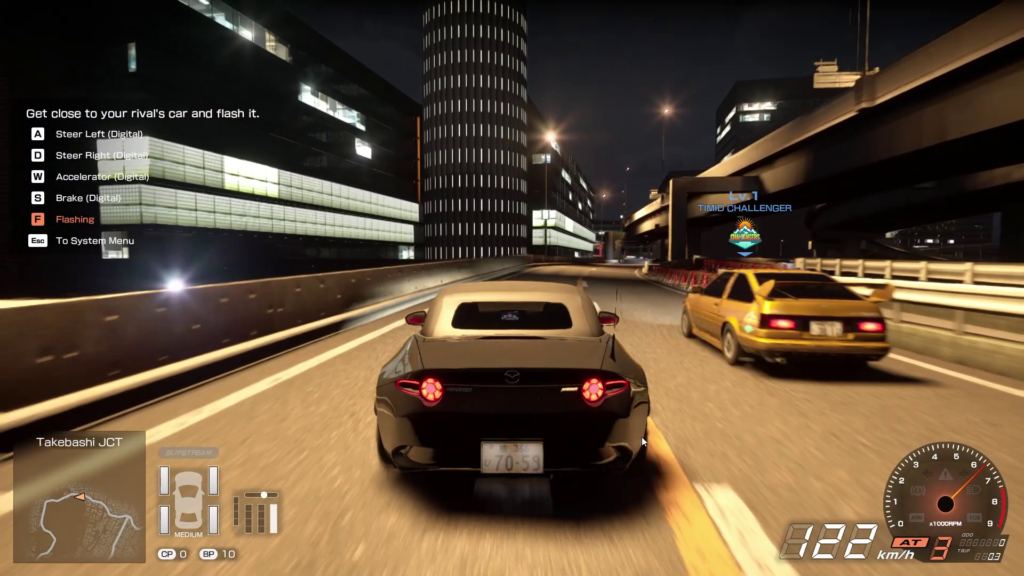
Recommended Graphics Settings
| Setting | Recommended |
|---|---|
| Resolution | 1280×720 |
| Resolution Scale | 70% |
| View Distance | Low |
| Anti-Aliasing | Low |
| Shadows | Low |
| Global Illumination | Low |
| Reflections | Low |
| Post Processing | Low |
| Textures | Low |
| Effects | Low |
| Foliage | Low |
| Shading | Low |
| Landscape | Low |
| VSync | Off |
| Dynamic Resolution | On |
| FPS Limit | 30 FPS |
Why These Settings?
- Lower resolution: Reduces the workload on your graphics card.
- Low shadows and reflections: Helps reduce GPU load.
- Lower view distance: Can help reduce the rendering workload.
- Dynamic Resolution: Allows the game to lower its internal resolution when performance drops.
- VSync Off: Can reduce input latency.
- 30 FPS limit: A sensible starting point for older CPUs and systems with limited RAM.
You may like: Samson All Missions Completed SaveGames
My Test PC Specifications
These settings are aimed at a system with the following hardware:
- GPU: AMD Radeon RX 470
- CPU: Intel Core i3 (1st Generation)
- RAM: 4GB
The RX 470 is still a reasonably capable older graphics card, but the first-generation i3 and just 4GB of RAM are likely to cause bottlenecks, particularly during busy races.
Don’t expect a locked 60 FPS with these specifications. Aiming for a more stable 30 FPS is a much more realistic starting point.
You may like: Samson Custom Low Settings for Better FPS
A Few Extra Tips
- Close unnecessary background applications before launching the game.
- Make sure your graphics drivers are up to date.
- Install the game on an SSD if possible.
- Use Windows High Performance power mode if available.
- Avoid running browsers and other memory-heavy applications in the background.
One thing worth mentioning: 4GB of RAM is very limited for modern PC gaming. Increasing it to 8GB or 16GB would be one of the most useful upgrades for reducing stuttering.
You may like: Buy GTA 5 at Discount 2026 Deals
Final Thoughts
You don’t always need a powerful gaming PC to enjoy Tokyo Xtreme Racer. With a few sensible tweaks, you can reduce unnecessary graphical load and potentially get a smoother experience on older hardware.
These settings are a starting point rather than a guaranteed performance fix. Your actual FPS will depend on your CPU, RAM, drivers and game version.
You may like: List of All DirectX 12.2 Graphics Cards
Download Section
You can download the solution file here:
| Version | Files |
|---|---|
| 1.0 | Download |
Installation Video Tutorial