

Want to enable DLSS 5 in supported PC games? The RenoDX DLSS Installer makes it easier to install the required RenoDX DLSS files and configure compatible games without manually copying every file.
Table of Contents
RenoDX DLSS is designed to enhance supported games by providing access to advanced NVIDIA DLSS features and other graphics improvements through the RenoDX framework. With the installer, you can quickly set up the required components and start configuring DLSS features in compatible games.
How to Enable DLSS 5 in Games
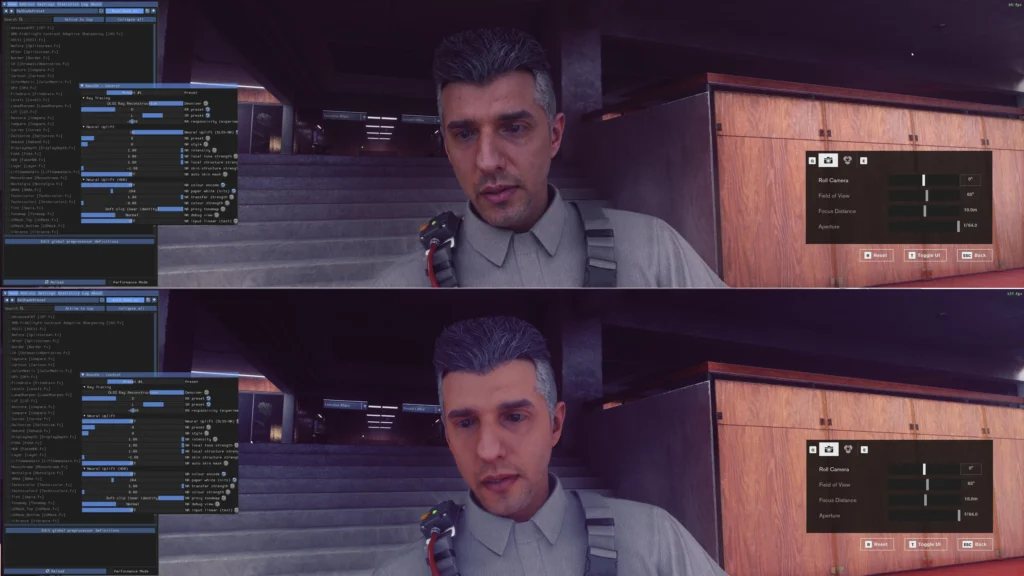
Installing the RenoDX DLSS components is a straightforward process:
- Download the latest RenoDX DLSS Installer from download section.
- Run RenoDX-DLSS-Setup.exe.
- Select the executable (
.exe) of the game you want to modify. - Allow the installer to detect the game’s rendering API.
- Install the required RenoDX DLSS, ReShade and NVIDIA Streamline/DLSS components.
- Launch the game.
- Open the ReShade interface and configure the available RenoDX DLSS options.
Once installed, the available DLSS features will depend on the game, its rendering API, existing DLSS implementation, and the installed RenoDX components.
You may like: MSI Afterburner – Optimize & Overclock PC
What Is RenoDX DLSS?
RenoDX DLSS is a modification framework that allows compatible games to use additional graphics and DLSS-related features that may not be exposed through their standard configuration.
The RenoDX DLSS Installer simplifies the process by automatically installing the required components instead of requiring users to manually locate and copy individual DLL files.
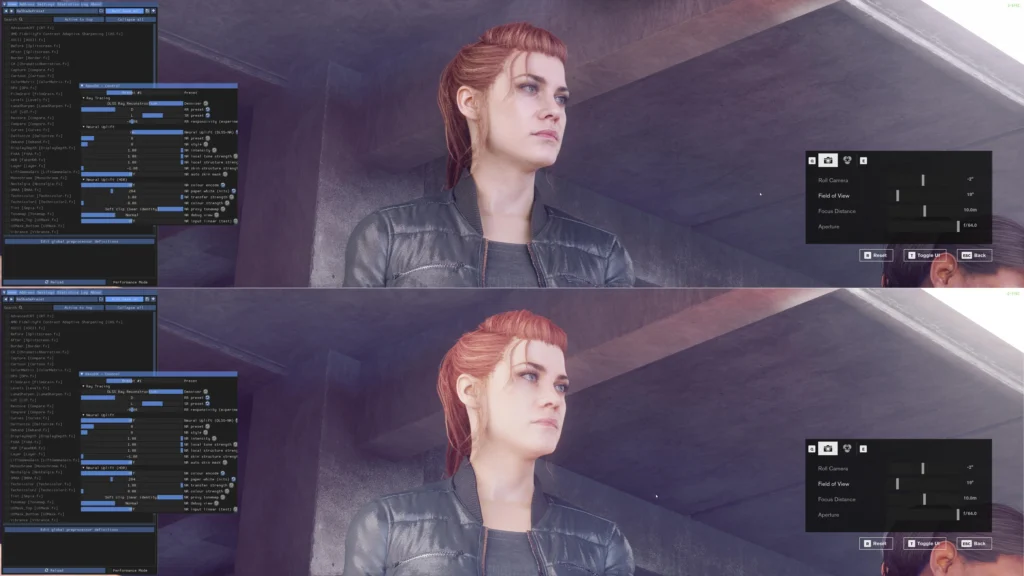
This can be particularly useful for players looking to experiment with DLSS 5 features, improved graphics quality, frame generation, upscaling, and other supported NVIDIA DLSS technologies in compatible games.
You may like: DisplayCAL Offline Installer
Features
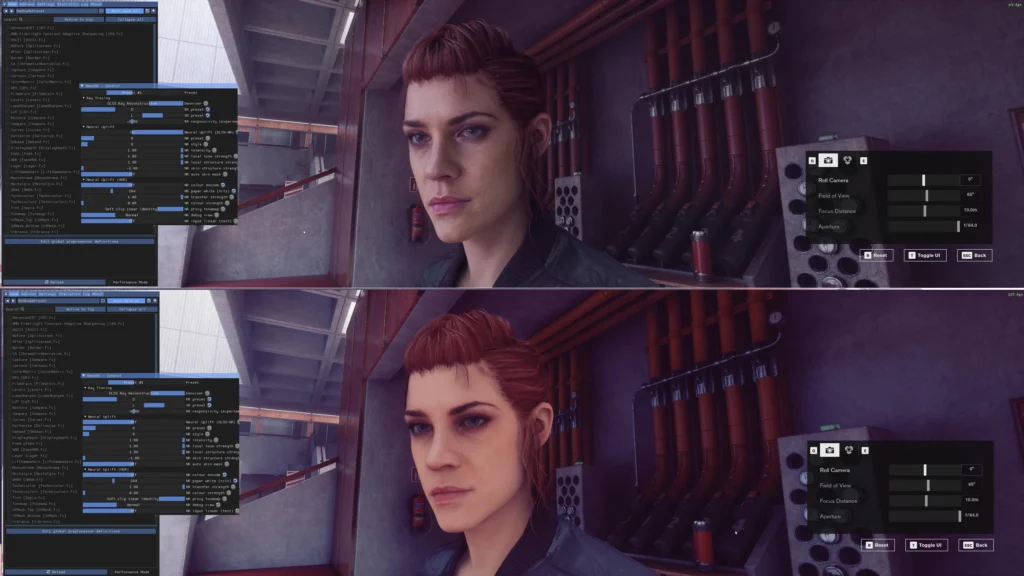
- Easy RenoDX DLSS installation
- Designed for compatible PC games
- Automatic game executable detection
- Rendering API detection
- ReShade installation with add-on support
- RenoDX DLSS add-on installation
- NVIDIA Streamline/DLSS components
- Simplified setup compared with manual installation
You may like: CrystalDiskInfo – Check Drive Information
DLSS 5 Compatibility

RenoDX DLSS does not automatically make every game compatible with every DLSS 5 feature. Compatibility depends on the individual game and the graphics technologies it already supports.
Before installing, check the requirements and documentation for the specific RenoDX mod or DLSS configuration you intend to use.
For games that are compatible with the required RenoDX components, the installer provides a much easier way to get started with advanced DLSS configurations.
You may like: Notepad++ – Best Code & Text Editor
Is RenoDX DLSS Installer Free?
Yes. The RenoDX DLSS Installer is distributed through GitHub, where you can download the latest release and view the project’s available files and updates.
Important:
Use graphics modifications only with games where modifications are permitted. Do not use ReShade, RenoDX or other modifications in online multiplayer games if they can violate the game’s anti-cheat rules or terms of service.
Always create a backup of your game files before installing third-party modifications.
You may like: .NET Desktop Runtime PC Offline Installer
Download Section
Download the latest release, install the required components, and configure RenoDX DLSS for your compatible game:
| Version | Files |
|---|---|
| 1.0 | RenoDX-DLSS-Setup.exe renodx-dlss5-v2.5.addon64 renodx-dlss5.addon64 streamline.zip Source code (zip) Source code (tar.gz) |
Rolling release. The installer downloads renodx-dlss5.addon64 and streamline.zip from this release at install time, as specified by manifest.ini on the main branch. Upload new files to this release to push updates to all future installations.
Credits: yumlevi