


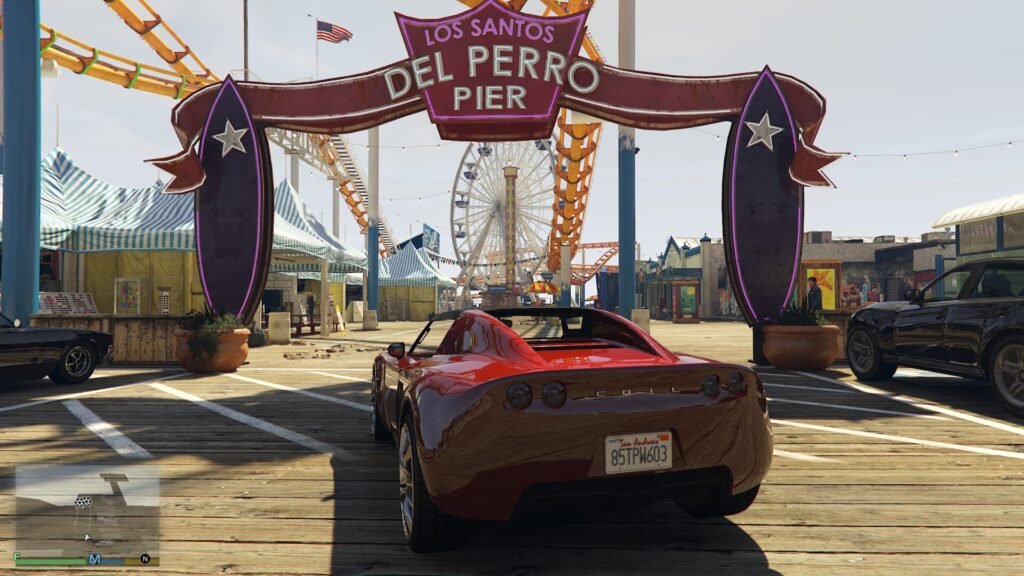
Got loads of add-on installed in GTA 5 using ModKitLimit Extender for Tanuki or Modkit Limit Adjuster by Chiheb-Bacha, if you are running into crashes or problems with vehicle modifications? Your Grand Theft Auto V might be hitting its default vehicle modkit limit.
Table of Contents
This handy ASI plugin increases the number of vehicle modkits GTA 5 can handle, making it a useful addition for players running large vehicle packs, custom cars and heavily modded game installations.
The best bit? It supports both GTA V Enhanced and GTA V Legacy, so players on either PC edition can use the same release.
What Is Modkit Limit Adjuster?
Modkit Limit Adjuster is a GTA 5 modification based on the original ModkitLimit Extender. It changes the game’s internal vehicle modkit array size, allowing GTA 5 to handle more vehicle modification kits than the default limit.
Vehicle modkits are used for customisation options such as spoilers, bumpers, exhausts, body parts and other vehicle upgrades. Add-on vehicles often bring their own modification kits, and installing loads of them can push the game beyond its original capacity.
When that happens, you may experience crashes or other problems while loading the game or using custom vehicles. Developed by Chiheb-Bacha, this updated version is designed to work with both GTA V Enhanced and Legacy.
Main Features
- Increased Vehicle Modkit Limit: The plugin increases the number of vehicle modkits GTA 5 can handle, helping players run larger collections of add-on vehicles.
- GTA V Enhanced Support: The modified version supports GTA V Enhanced, making it suitable for players using the newer PC edition alongside custom vehicle mods.
- GTA V Legacy Compatibility: Still playing the original GTA V Legacy? No worries. This release also supports Legacy, so you don’t need to hunt down a separate version.
- Customisable Modkit Array Size: The default modkit array size is set to 2048. If you’re experiencing issues with higher modkit IDs, the author recommends changing the value to 65536 in the configuration file.
- Simple ASI Plugin Installation: Installation is straightforward. Just copy the ASI plugin and its INI configuration file into your GTA 5 main directory.
- Open-Source Project: The source code is available on GitHub, allowing interested users to check the implementation and follow development changes.
GTA 5 Enhanced and Legacy Compatibility
One of the biggest advantages of this release is that it supports both major Grand Theft Auto V PC editions.
- GTA V Enhanced: Compatible with the newer Enhanced edition and its modded vehicle setups.
- GTA V Legacy: Also supports the original PC edition, including installations with multiple add-on vehicles.
The developer specifically identifies this release as compatible with both versions. Make sure you’re downloading the Enhanced release rather than an older standalone version of ModkitLimit Extender.
Recommended Modkit Limit Settings

Modkit Limit Adjuster includes an INI file where you can configure the vehicle modkit array size. Here are the values recommended by the developer:
| Setting | Value |
|---|---|
| Default modkit array size | 2048 |
| Recommended troubleshooting value | 65536 |
The default value of 2048 should be your starting point. However, if you’re experiencing issues with add-on vehicles that use higher modkit IDs, the developer recommends increasing MODKITARRAY_SIZE to 65536.
To change it, open ModkitLimitAdjusterEnhanced.ini using Notepad, locate the MODKITARRAY_SIZE setting and replace its value with 65536. Save the file before launching the game again.
Final Words
Modkit Limit Adjuster Enhanced is a useful tool for GTA 5 players who enjoy installing add-on vehicles and building large custom car collections. By increasing the vehicle modkit array size, it helps address problems caused by the game’s original modkit limitations.
With support for both GTA V Enhanced and Legacy, a straightforward installation process and configurable settings, it’s a solid addition to your GTA 5 modding toolkit.
If you’re running loads of custom vehicles and encountering modkit-related crashes, give this one a go. Just remember to start with the default settings and only increase the value if you’re experiencing issues.
Mod Credits: Chiheb-Bacha. Based on the original ModkitLimit Extender.
Special thanks to CitizenFX/FiveM for related work.
Download Section
You can download resources from here:
If the above button is not working, download from here:
Enhanced & Legacy Releases
Here you can download the Chiheb-Bacha’s Modkit Limit Adjuster for Grand Theft Auto V Enhanced & Legacy from here:
| Version | Files |
|---|---|
| 1.0 | Download |
Installation Video
Legacy Releases
Here you can download the Tanuki’s Modkit Limit Adjuster Legacy from here:
| Version | Files |
|---|---|
| 1.0 | Download |