
Close Menu
  • Home
  • News
  • Mods
  • Guides
  • Tech
What's New?
How to Fix GTA 5 Nothing Happens on Launch PC on Enhanced and Legacy

Fix GTA 5 Nothing Happens on Launch PC: Enhanced & Legacy

February 1, 2026
Fix GTA 5 Legacy Edition Rune Error: Could not find SocialClub.dll, & orig_socialclub.dll was not found (The code execution cannot proceed) on PC.

How to Fix GTA 5 Legacy Missing SocialClub.dll Error

February 1, 2026
Facebook X (Twitter) Instagram YouTube
Tuesday, July 21
Game Decide
Facebook X (Twitter) Instagram YouTube
  • Home
  • News
  • Mods
  • Guides
  • Tech
  • Gaming
  • Computer
  • Software Guides
  • Graphic Tutorials
  • GTA V
  • GTA IV
  • Minecraft
  • Red Dead Redemption 1/2
Game Decide
Home»Guides»GTA 5 Tutorials»Download NVE LSPDFR Crash Fix for GTA 5 Legacy Edition

Download NVE LSPDFR Crash Fix for GTA 5 Legacy Edition

Updated:July 20, 20264 Mins Read
Share Facebook Twitter Pinterest LinkedIn Tumblr Email Copy Link
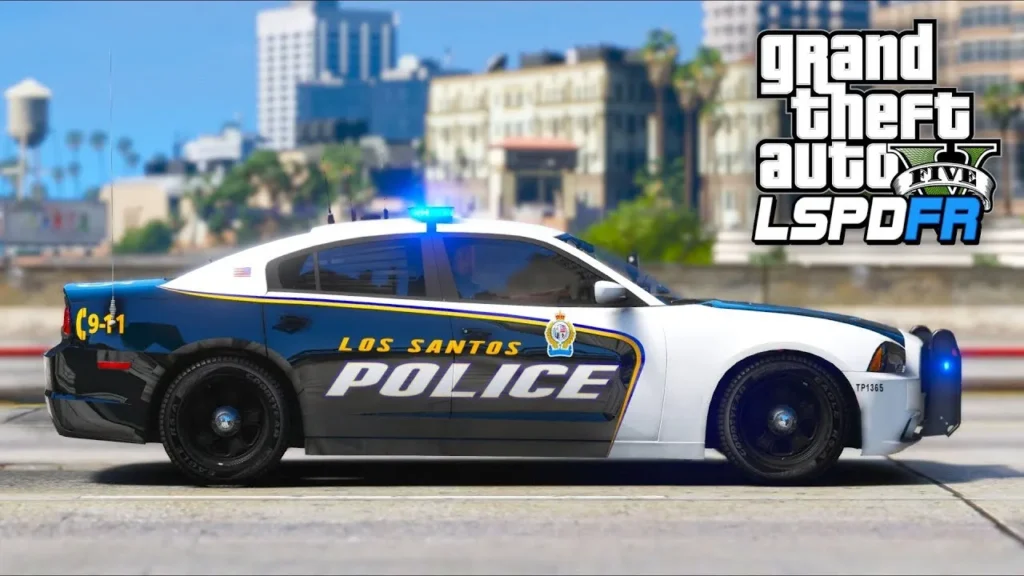
Download NVE LSPDFR Crash Fix for GTA 5 Legacy Edition
Image via Iggy Fresh
Share
Reddit Telegram WhatsApp Email Copy Link

This page explains how to fix common crashes when running NaturalVision Evolved (NVE) alongside LSPDFR on GTA 5 Legacy Edition. If your game crashes on launch or shortly after loading, this guide will help resolve the issue.

Table of Contents

  • What NVE LSPDFR Crash Fix Is For
    • Common Crash Causes
    • Required Files
  • Installation Instructions
  • Recommended Stability Settings
  • Compatibility Overview
  • Why NVE LSPDFR Crash Fix Works

You will learn how to fix all crashes caused by using NaturalVision Evolved (NVE) with LSPDFR on Grand Theft Auto V Legacy Edition. It includes required downloads, installation steps, and stability tips to ensure the game runs correctly with both mods enabled.

You may like: Rampage Trainer (Enhanced & Legacy)

Download NVE LSPDFR Crash Fix for GTA 5 Legacy Edition
Image via VRSTNR MODDING TEAM

What NVE LSPDFR Crash Fix Is For

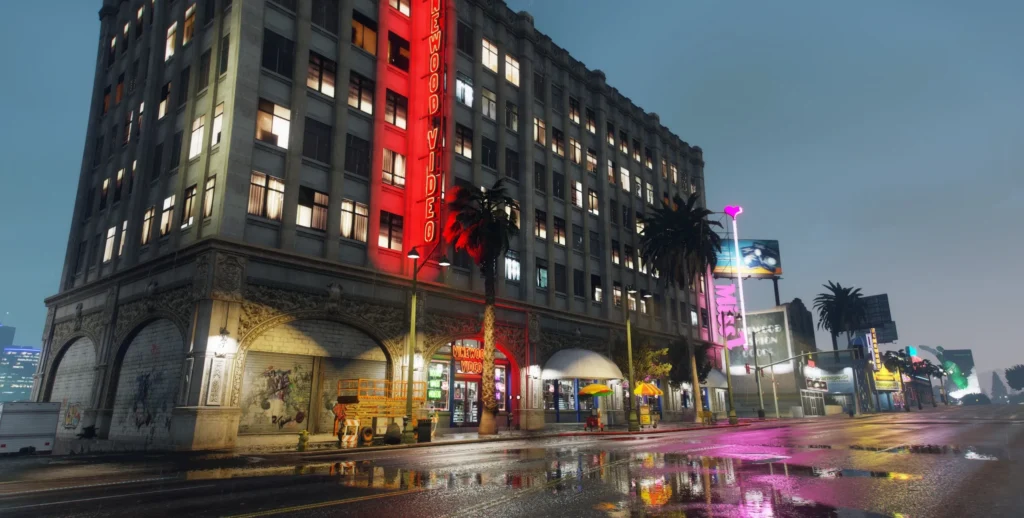
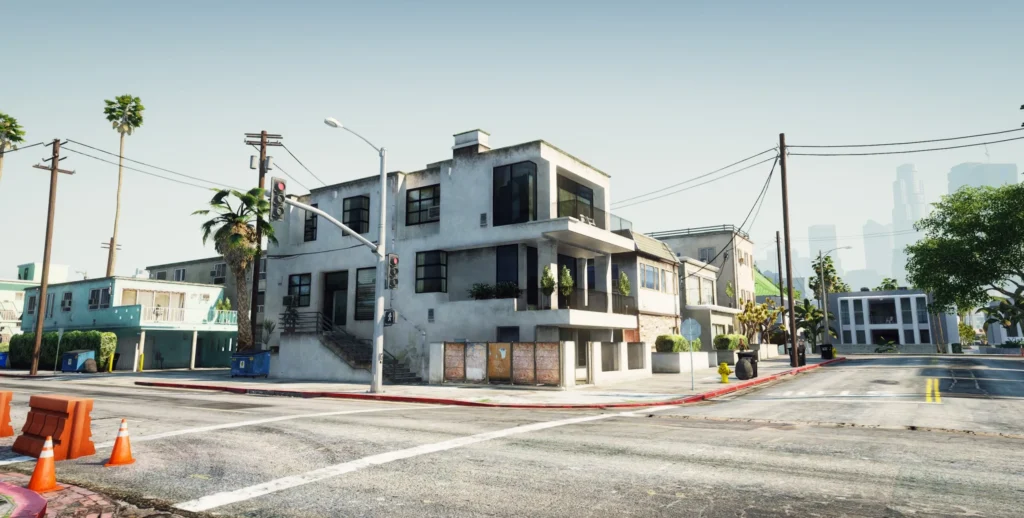
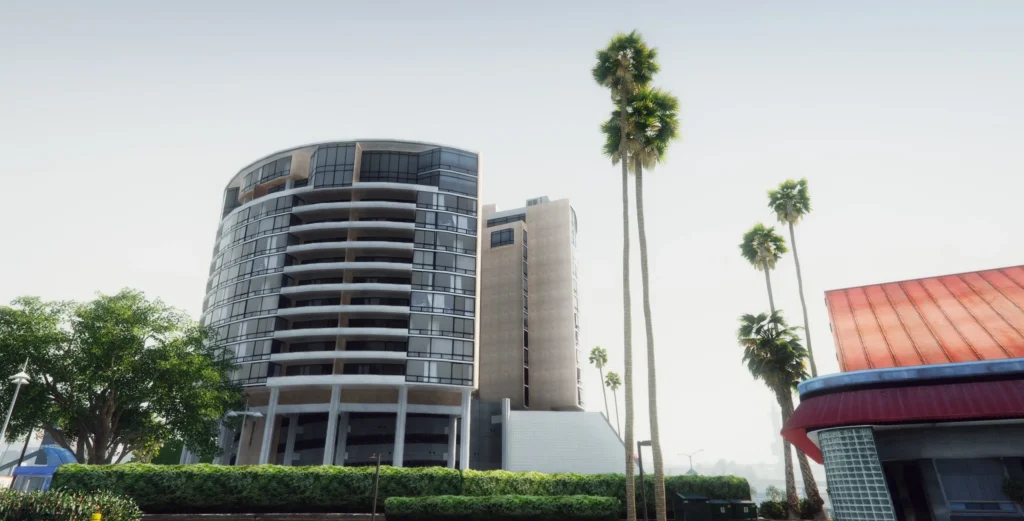
NaturalVision Evolved is a high-end visual overhaul for GTA 5. When combined with LSPDFR and its plugins, the game may crash due to memory limits, missing compatibility files, or an incorrect GameConfig.

This fix is intended for:

  • GTA 5 Legacy Edition (Steam or Epic Games)
  • NaturalVision Evolved installed
  • LSPDFR installed via RAGE Plugin Hook

You may like: NaturalVision Enhanced for GTA 5 Enhanced Edition
Download NVE LSPDFR Crash Fix for GTA 5 Legacy Edition
Image via VRSTNR MODDING TEAM

Common Crash Causes

Crashes usually occur due to one or more of the following:

  • Missing or incorrect GameConfig.xml
  • LSPDFR compatibility patch not installed
  • RAGE Plugin Hook loading too early
  • Outdated ScriptHook or ASI files
  • Exceeded memory or packfile limits caused by NVE assets

You may like: Scuba Job – GTA 5 Mods
Download NVE LSPDFR Crash Fix for GTA 5 Legacy Edition
Image via VRSTNR MODDING TEAM

Required Files

To use this mod, there are a few major requirements:

1. NaturalVision Evolved (Base Mod)

    You must already have NaturalVision Evolved installed. Ensure you are using the Legacy-compatible version and that it is installed into the mods folder using OpenIV.

    2. GameConfig.xml (Required)

    A modified GameConfig is essential for running NVE with LSPDFR.

    • Download a GameConfig that explicitly states compatibility with:
      • Your GTA 5 build number
      • NaturalVision Evolved
      • LSPDFR or large mods

    Installation path:

    mods/update/update.rpf/common/data
    

    Replace the existing GameConfig.xml.

    You may like: How to Add New Driver Missions in GTA 5
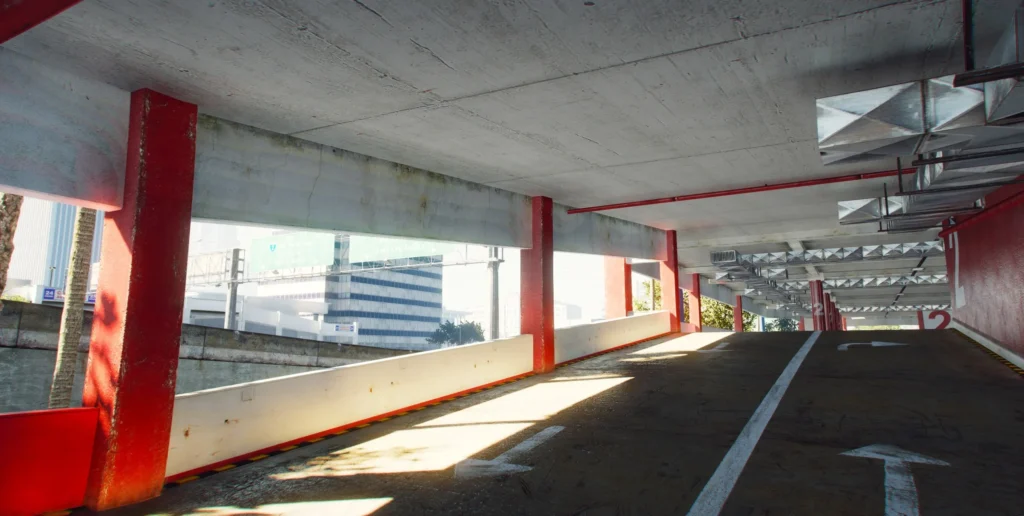

    Download NVE LSPDFR Crash Fix for GTA 5 Legacy Edition
    Image via VRSTNR MODDING TEAM

    Installation Instructions

    1. Verify GTA 5 Legacy game files through Steam or Epic Games.
    2. Install OpenIV and enable the mods folder.
    3. Install ASI Loader and OpenIV.asi via OpenIV’s ASI Manager.
    4. Install NaturalVision Evolved into the mods folder.
    5. Install NVE LSPDFR Crash Fix from the YouTube Video guide.
    6. Install the correct GameConfig.xml into:mods/update/update.rpf/common/data
    7. Launch GTA 5 using RAGE Plugin Hook.
    8. Once in game, load LSPDFR manually using the F4 key.

    Do not enable automatic LSPDFR loading.

    You may like: GTA 5 Offline: The Mansion Raid Heist
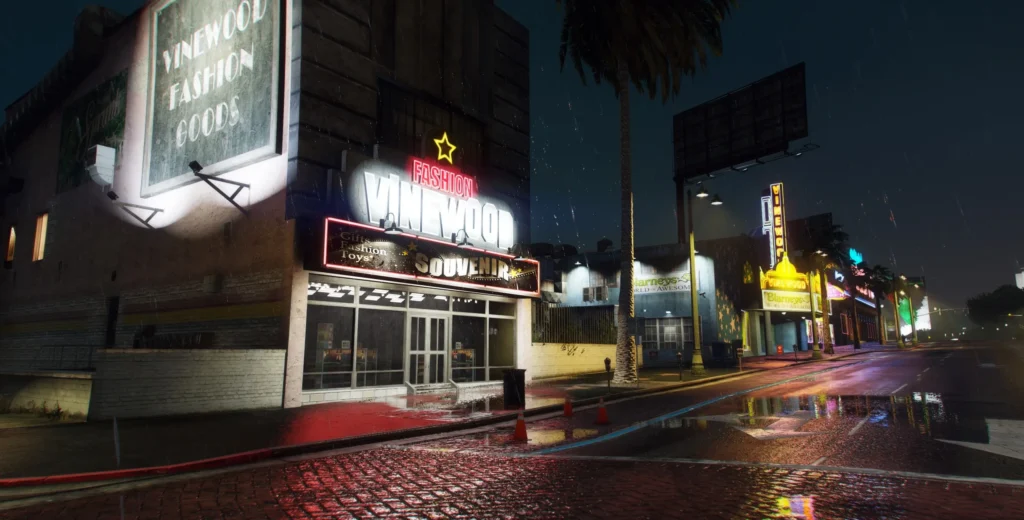

    NVE LSPDFR Crash Fix for GTA 5 Legacy Edition
    Image via VRSTNR MODDING TEAM

    Recommended Stability Settings

    To further reduce crashes:

    • Run RAGE Plugin Hook as Administrator
    • Disable “Load all plugins on startup” in RAGE settings
    • Increase plugin timeout threshold in RAGE Plugin Hook
    • Ensure ScriptHookV and ScriptHookVDotNet are fully up to date
    • Install HeapAdjuster and Packfile Limit Adjuster if using high-resolution textures

    You may like: GTA 5 ViewPointV Lite: BodyCams
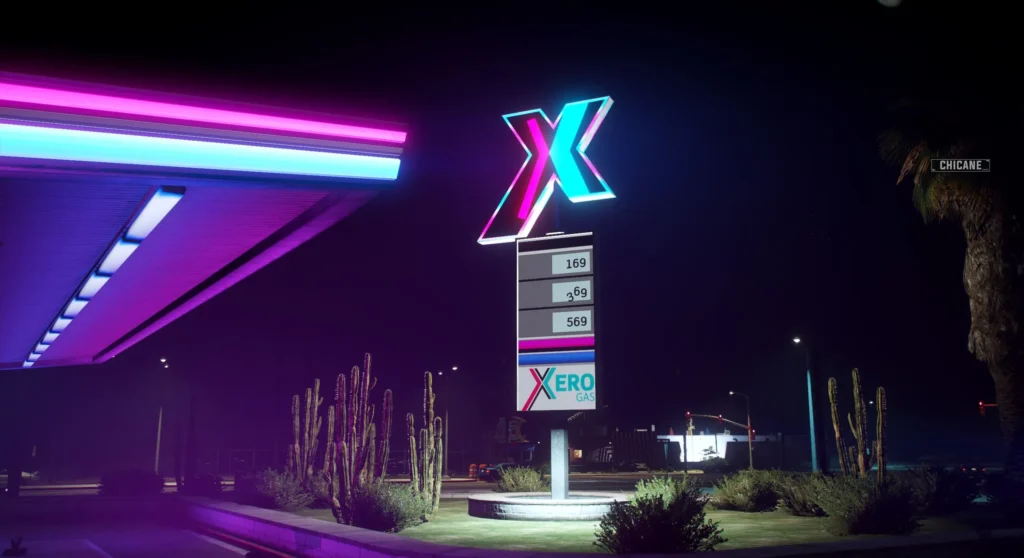

    NVE LSPDFR Crash Fix for GTA 5 Legacy Edition
    Image via VRSTNR MODDING TEAM

    Compatibility Overview

    ComponentRequired
    GTA 5 Legacy EditionYes
    NaturalVision EvolvedYes
    LSPDFRYes
    Compatible GameConfig.xmlYes
    RAGE Plugin HookYes
    OpenIV with ASI LoaderYes

    You may like: PoliceLifeS [LSPDFR] – GTA 5 Mods
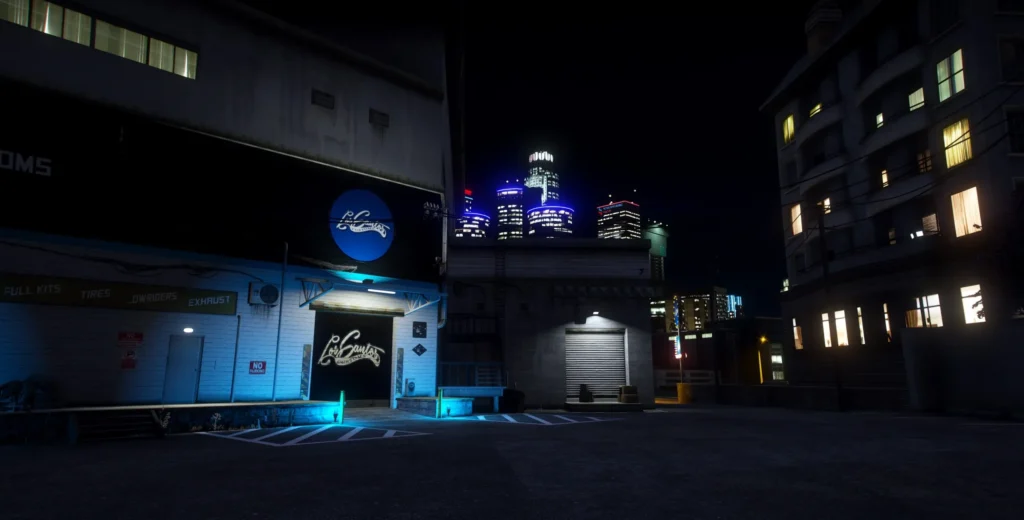
    NVE LSPDFR Crash Fix for GTA 5 Legacy Edition
    Image via VRSTNR MODDING TEAM

    Why NVE LSPDFR Crash Fix Works

    NaturalVision Evolved significantly increases memory and asset usage. Without a compatible GameConfig and correct loading order, LSPDFR may fail to initialise properly, resulting in crashes.

    Using the correct configuration files and loading GTA 5 LSPDFR after the game has fully loaded greatly improves stability in Grand Theft Auto V Legacy Edition with LSPDFR mods pack on your computer.

    You may like: How to Monitor In-Game FPS using MSI Afterburner


    Download Section

    DateVersionFiles
    December 31st, 2025 UpdateNVE RegularDownload
    December 31st, 2025 UpdateNVE ClassicDownload

    If the above links are not working, download the fix for NVE Regular & NVE Classic.

    Download NVE Regular for GTA V Legacy
    Download NVE Classic for GTA V Legacy

    Last Updated: Friday, 16 January 2026
    Share. Twitter VKontakte Reddit Telegram WhatsApp Email Copy Link
    Previous ArticleGTA Offline: The Mansion Raid Heist | GTA 5 MODS
    Next Article Download NaturalVision Lite GTA V Legacy Edition: NVE Low PC

    Related Posts

    Download Grand Theft Auto V Update.rpf File (GTA 5 Enhanced & GTA V Legacy)
    July 11, 2026

    Download GTA V Update.rpf (Enhanced & Legacy) RAW File

    How to Fix PRAGMATA Game Not Saving Error on PC
    June 4, 2026

    How to Fix PRAGMATA Game Not Saving Error on PC

    Learn how to fix GTA San Andreas to solve all errors of mouse, keyboard, map radar, Screen Resolution, and Widescreen Issues on computer/laptop on Windows 11/10.
    April 29, 2026

    Fix GTA San Andreas (Original) for Modern PCs & Laptops

    Add A Comment
    Leave A Reply Cancel Reply

    Suggested Posts
    Download OptiFine HD All Versions for Minecraft Java Edition

    Download OptiFine HD All Versions for Minecraft Java Edition

    June 8, 2022
    ​Manage conflicting background software on Windows 11 by identifying, disabling, and troubleshooting apps to enhance system performance and resolve conflicts.​

    How to Close Conflicting Background Softwares

    March 10, 2025
    Game Decide: Download Oceano Shaders Latest Version for Minecraft Java Edition for PC and install Oceano Shaders in Minecraft graphic mods for free.

    Oceano Shaders – Minecraft Java Mods

    July 23, 2022
    X (Twitter) Instagram Facebook YouTube

    Topics

    • Game Mods
    • Gaming Guides
    • Tech Tutorials
    • PC Apps

    Company

    • About Us
    • Disclaimer
    • Mods Policy
    • Contact Info

    Services

    • Creators
    • Game Support
    • Newsletters
    • FAQ's

    Subscribe to Updates

    Get the best weekly posts straight to your inbox!

    © 2026 Game Decide
    • Privacy Policy
    • Terms
    • DMCA
    • Accessibility

    Type above and press Enter to search. Press Esc to cancel.