
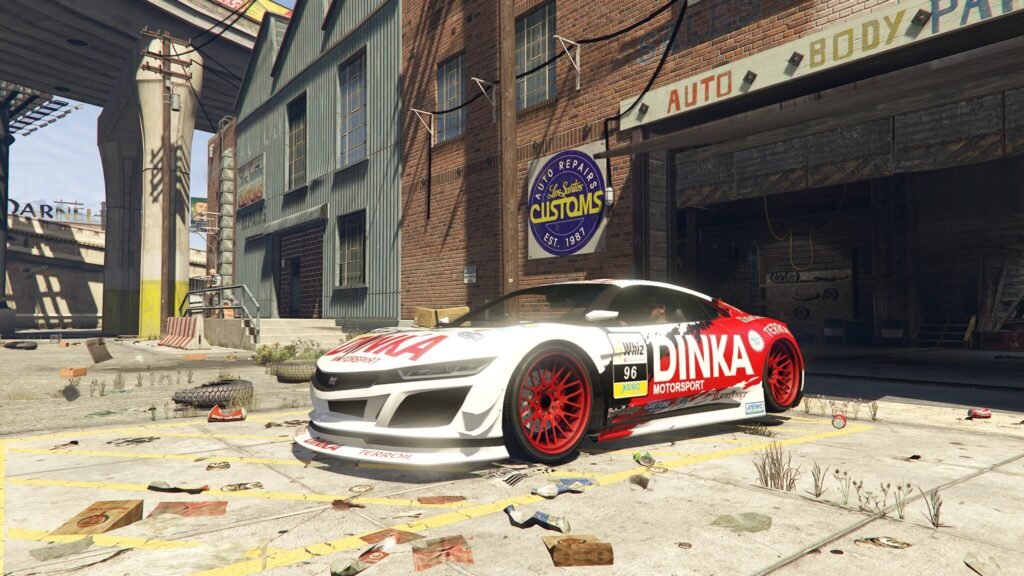
Grand Theft Auto V players who use mods can improve decal handling and world streaming behavior with fwBoxStreamerVariable and Decals Limit Patches (DecalsPatch) by Tanuki and JaliscoGDL.
Table of Contents
These plugins are designed to adjust certain game limits, helping GTA V handle more environmental decals and improving aspects of asset streaming.
Available for PC modding, these patches are useful for players who want a more consistent experience during intense gameplay, firefights, vehicle crashes, and heavily modded sessions.
What Is fwBoxStreamerVariable and DecalsPatch?
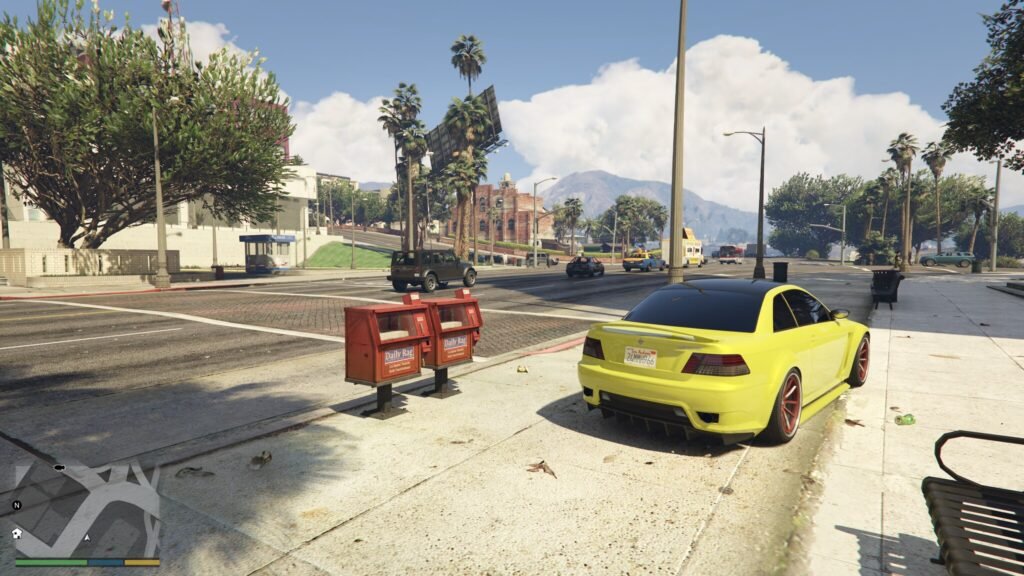
The fwBoxStreamerVariable and Decals Limit Patch modify selected internal game limits related to decal management and streaming.
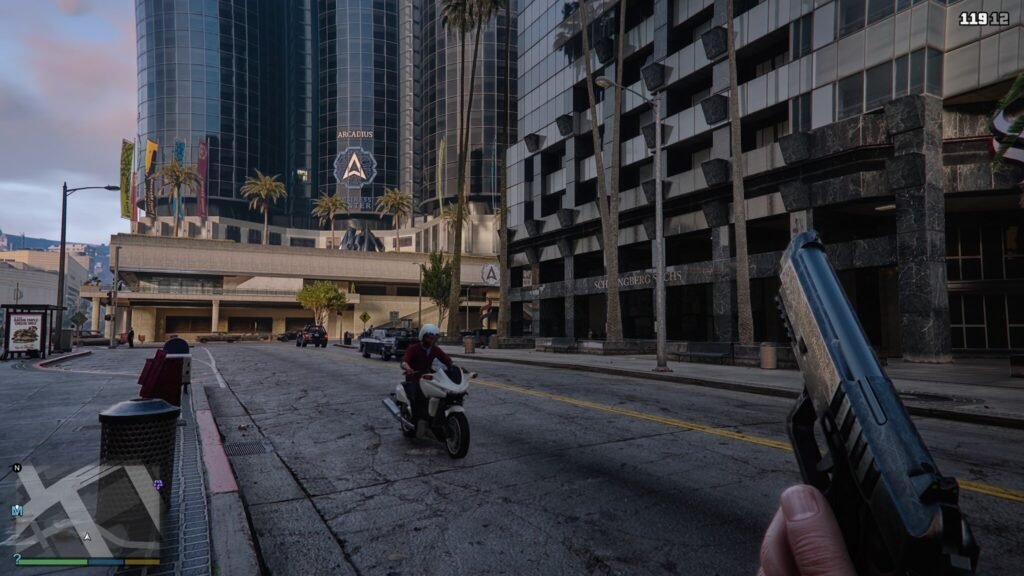
Decals are visual effects that appear throughout GTA V, including:
- Bullet holes on walls, vehicles, and other surfaces.
- Blood marks during combat.
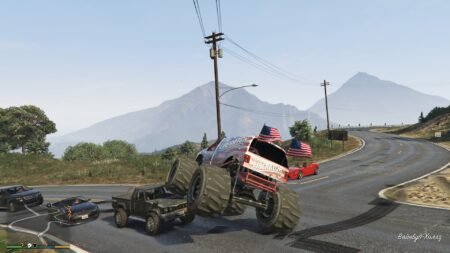
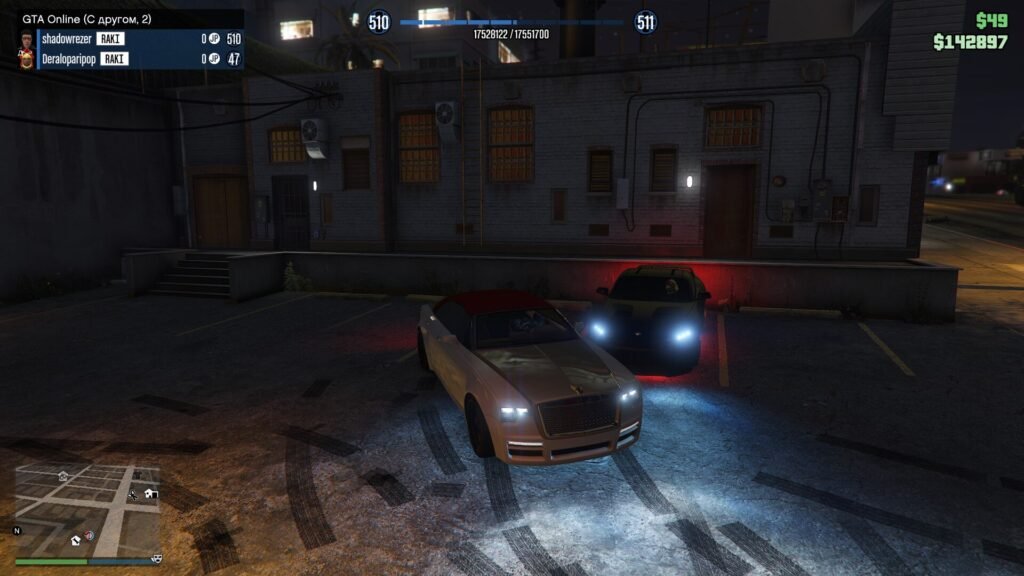
- Tire marks left by vehicles.
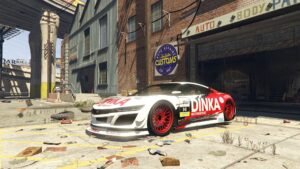
- Graffiti and other environmental details.
- Additional impact and surface effects.
By increasing the number of decals the game can retain, DecalsPatch helps prevent these visual effects from being removed too quickly. The fwBoxStreamer component also adjusts a streaming-related check to help world assets load more reliably.
The modifications are intended to improve the handling of existing game systems rather than change gameplay mechanics.
You may like: Menyoo Custom Open Button Config for GTA 5 Mods
Main Features
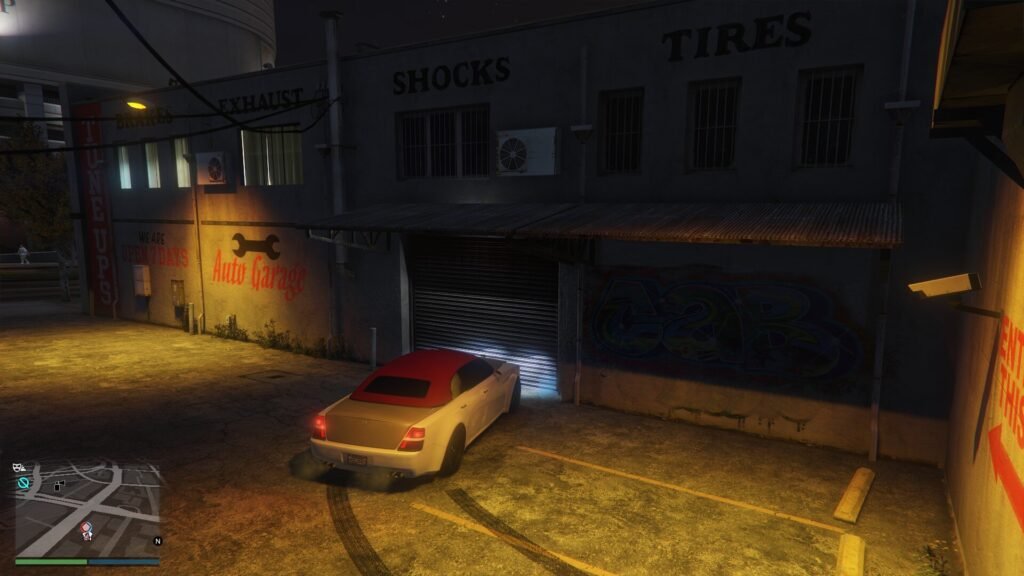
- Increased Decal Limits: The patch allows GTA V to retain more decals before automatically cleaning them up. This can make firefights and other action sequences look more detailed.
- Improved Streaming Behavior: The fwBoxStreamer component adjusts a streaming check associated with world assets, potentially helping with asset-loading reliability.
- Configurable Presets: The Enhanced release provides multiple decal-limit settings, allowing players to select an appropriate configuration for their systems.
- Reversible Installation: The Enhanced plugin applies its changes in memory rather than permanently modifying original game files. Removing the plugin and its configuration file reverses the modification.
- Minimal Gameplay Changes: The patch focuses on internal limits and does not intentionally rebalance weapons, vehicles, missions, or other gameplay elements.
You may like: NativeUI Latest Version for GTA 5 Mods
GTA V Enhanced and Legacy Compatibility
It is important to download the correct version for your GTA V installation.
- GTA V Enhanced: Use the Enhanced-specific release by JaliscoGDL.
- GTA V Legacy: Use the separate Legacy-compatible release of fwBoxStreamerVariable and DecalsPatch.
Do not assume that an GTA V Enhanced ASI plugin will work correctly with GTA 5 Legacy Edition. The GTA 5 Enhanced release is specifically identified by its author as incompatible with the GTA 5 Legacy version.
You may like: Add-On Ped Selector Latest for GTA 5 Mods
Recommended Decal Settings for GTA V Enhanced
The Enhanced release includes five decal presets:
| Preset | Decal limit |
|---|---|
| Vanilla | 512 |
| Low | 768 |
| Medium | 896 |
| High | 1024 |
| Ultra | 2048 |
Medium is the recommended starting point for most systems. Players with stronger hardware can experiment with High or Ultra, while Low is an option for more conservative configurations.
Increasing the decal limit does not guarantee higher FPS. Actual performance depends on your hardware, game configuration, and other installed modifications.
You may like: GTA V Enhanced DirectX12 Bypass
Final Thoughts
fwBoxStreamerVariable and DecalsPatch are useful additions to a GTA V PC modding setup for players interested in improving decal handling and adjusting streaming-related behavior. With separate compatibility considerations for Enhanced and Legacy, choosing the correct release is essential.
Download the appropriate version, follow the installation instructions, and start with conservative settings before experimenting with higher decal limits.
Credits: Original source insights by Tanuki and implementation and release by JaliscoGDL for the Enhanced version.
You may like: GTA 5 Heap Adjuster (HeapAdjuster) Enhanced/Legacy
Download Section
You can download the latest version of fwBoxStreamerVariable and DecalsPatch for GTA V Enhanced Edition and GTA 5 Legacy Edition from here:
Enhanced Release
You can obtain the JaliscoGDL’s Enhanced releases from here:
Installation Video
Legacy Releases
You can get the Tanuki’s Legacy releases from here:
What are mirror links?
Mirror links are alternative download links that provide access to the same file as the original download link. They are useful when the original download server is unavailable, experiencing issues, or temporarily offline.
FAQ’s
Here are frequently asked questions about fwBoxStreamerVariable and Decals Limit Patches (DecalsPatch) by Tanuki and JaliscoGDL:
What is fwBoxStreamerVariable and DecalsPatch for GTA V?
fwBoxStreamerVariable and Decals Limit Patches (DecalsPatch) are GTA V PC modifications that adjust certain game limits related to asset streaming and decal management. They help the game retain more visual effects, such as bullet holes, blood marks, and tire tracks.
Who developed GTA V fwBoxStreamerVariable and Decals Limit Patch Mod?
The original fwBoxStreamerVariable and Decals Limit Patch were created by Tanuki. JaliscoGDL released an adapted version specifically for GTA V Enhanced.
Is fwBoxStreamerVariable and Decals Limit Patch compatible with GTA V Enhanced?
Yes. JaliscoGDL provides a separate Enhanced-compatible release of fwBoxStreamerVariable and Decals Limit Patch. It is designed for GTA V Enhanced and should not be used with GTA V Legacy.
Does fwBoxStreamerVariable and Decals Limit Patch support GTA V Legacy?
Yes. The original release of fwBoxStreamerVariable and Decals Limit Patch by Tanuki is intended for GTA V Legacy. Make sure you download the correct version for your game installation.
What does fwBoxStreamerVariable and Decals Limit Patch actually do?
DecalsPatch increases the game’s decal limits, allowing more visual effects to remain visible during gameplay. It can improve the appearance of firefights, vehicle collisions, and other activities involving surface effects.
Does fwBoxStreamerVariable and Decals Limit Patch improve FPS?
Not necessarily. The modification primarily adjusts decal limits and streaming-related behavior rather than directly optimizing frame rates. Higher decal settings may also increase resource usage.
Does fwBoxStreamerVariable and Decals Limit Patch require ScriptHookV?
Yes. both enhanced and legacy release requires a compatible ScriptHookV installation to load the ASI plugin correctly.
Can I use the Enhanced version on Legacy?
No. The Enhanced release is specifically marked incompatible with GTA V Legacy. Download the original Legacy-compatible version of fwBoxStreamerVariable and Decals Limit Patch instead.