



Running loads of add-on weapon mods in GTA 5, but the game keeps crashing during loading? That’s where Weapon Limits Adjuster by alexguirre comes in.
Table of Contents
This handy Grand Theft Auto V modding tool increases the game’s internal weapon limits, helping you install more custom weapons and weapon components without hitting the default restrictions.
If you’re building a heavily modded GTA 5 setup with multiple add-on weapon packs, this is one utility worth checking out. It gives you more room for custom weapons by adjusting the limits that can otherwise cause the game to crash.
What Is Weapon Limits Adjuster?

Weapon Limits Adjuster is an ASI plugin for Grand Theft Auto V that increases two hardcoded game limits related to weapon loading.
By default, GTA 5 restricts how many weapons.meta files and weapon components can be loaded. When you install too many add-on weapons or weapon attachments, these limits can be reached, causing the game to crash while loading.
Created by alexguirre, this tool allows you to change those limits through a simple configuration file. It also includes a weapon component limit patch adapted from CitizenFX/FiveM.
Previously known as CWeaponInfoBlob Limit Adjuster, the tool was renamed to Weapon Limits Adjuster after weapon component support was added.
Main Features of Weapon Limits Adjuster

- Increase weapons.meta Limits: The plugin allows you to increase the maximum number of
weapons.metafiles that GTA 5 can load. This is useful when running multiple add-on weapon packs. - Increase Weapon Component Limits: It also adjusts the maximum number of weapon components defined in
weaponcomponents.metafiles, giving custom weapon attachments more room to work. - Customisable Configuration: You can change both limits through
WeaponLimitsAdjuster.ini, making it easier to configure the plugin according to your mod collection. - Helps Prevent Loading Crashes: Running into the game’s weapon limits can cause crashes during startup. This plugin helps prevent those specific issues by increasing the available capacity.
- Simple ASI Installation: There’s no complicated installation process. Install an ASI loader, copy the plugin files into your GTA 5 directory, and configure the INI file if needed.
Weapon Limits Adjuster Settings
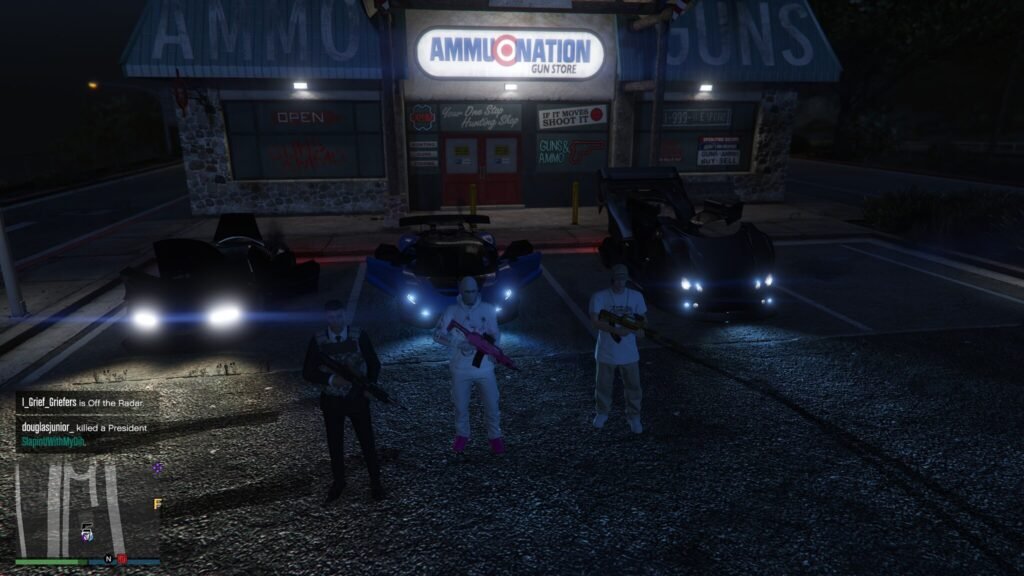
Weapon Limits Adjuster comes with two configurable settings. Here’s what they do:
| Setting | Default value | Purpose |
|---|---|---|
| CWeaponInfoBlob | 512 | Maximum number of weapons.meta files |
| CWeaponComponentInfo | 1024 | Maximum total weapon components |
You can edit these values in WeaponLimitsAdjuster.ini using a text editor.
The default values are suitable as a starting point. If you’re installing a large collection of add-on weapons, you can adjust them according to your requirements. Avoid setting unnecessarily high values, as this does not guarantee better stability.
GTA 5 Enhanced and Legacy Compatibility
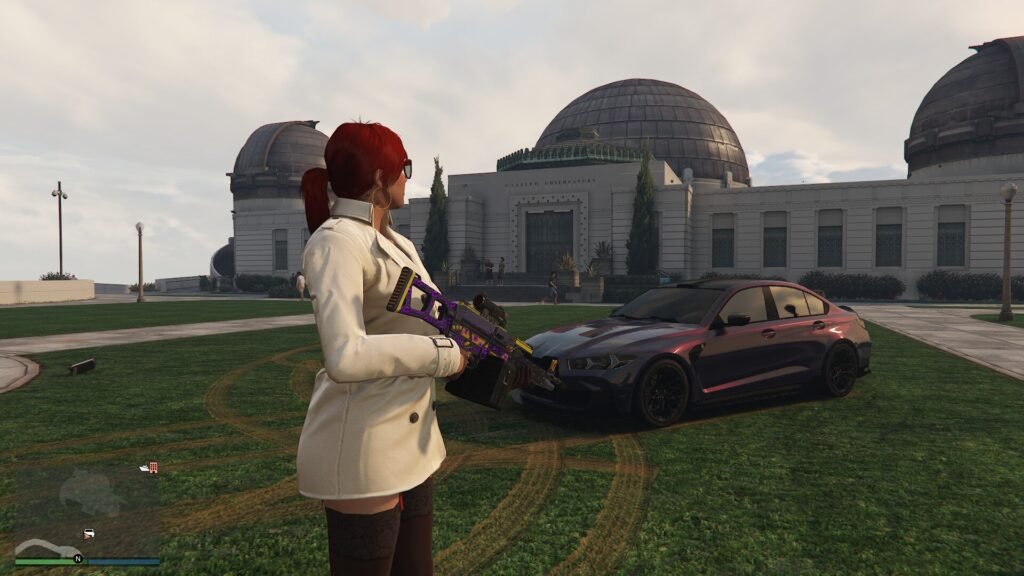
Before downloading, there’s one important thing to know about compatibility.
The official Weapon Limits Adjuster 2.2 release by alexguirre dates back to December 2022 and specifically lists support for game version b2802. Its official page does not confirm compatibility with GTA V Enhanced or newer Legacy builds.
- GTA V Legacy: The original release is intended for GTA V PC, but compatibility with your current game build should be checked.
- GTA V Enhanced: Official Enhanced compatibility is not confirmed. Don’t assume the original ASI plugin will work with Enhanced without a compatible update or community-tested release.
If you’re playing a newer version of GTA 5, check the latest comments and compatibility reports before installing.
Important: Remove the Old CWeaponInfoBlob Adjuster
If you’ve previously installed the older CWeaponInfoBlob Limit Adjuster, make sure you remove its old files before using the newer Weapon Limits Adjuster.
Delete the following files if they are still present:
CWeaponInfoBlob Adjuster.asiCWeaponInfoBlob Adjuster.ini
Keeping the old and new ASI plugins installed together can cause conflicts and crashes. The newer Weapon Limits Adjuster already includes the functionality of the previous version.
Final Words

Weapon Limits Adjuster is a handy little tool for GTA 5 players who love installing add-on weapons, custom firearms, and extra weapon attachments. By increasing the weapons.meta and weapon component limits, it helps avoid crashes caused by reaching the game’s built-in restrictions.
Developed by alexguirre, this lightweight ASI plugin is easy to install and offers straightforward configuration through an INI file. Just make sure you check your game version before installing, especially if you’re running GTA V Enhanced.
Mod Credits: alexguirre.
Special thanks to CitizenFX/FiveM for the weapon component limit patch.
Download Section
You can download resources from here:
If the above button is not working, download from here:
Legacy Releases
You can download alexguirre’s legacy releases from here:
Enhanced Releases
You can access enhanced release from here:
| Version | Files |
|---|---|
| 1.0 | Download |