

Samson all missions completed savegame can be a handy option if you want to explore the game without starting every mission from scratch. If you’ve already played through the story or simply want to experience more of the game, a completed save file can save you a fair bit of time.
Table of Contents
Samson is a gritty action game set in Tyndalston, where money, debt and survival play a major role. If you’re looking for a Samson 100% save file download for PC, this guide covers where to find savegames, how to install them and what to check before replacing your existing progress.
What Is a Samson All Missions Completed Savegame?
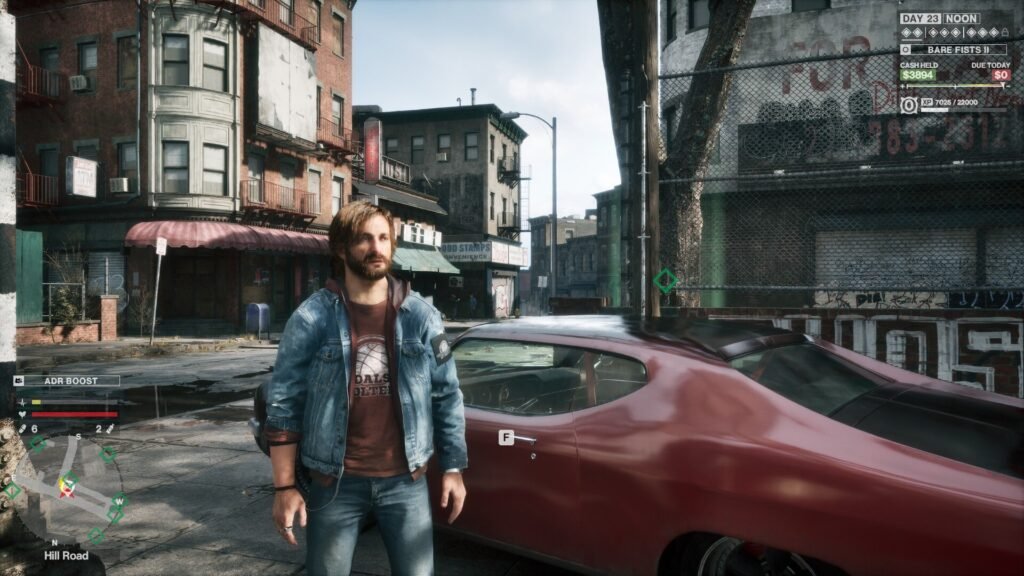
A completed savegame is a game save containing progress made by another player. Depending on the file, it may include completed story missions, unlocked skills, additional money and other progression milestones.
A Samson complete savegame for PC may be useful if you want to:
- Skip missions you’ve already completed in another playthrough.
- Explore later stages of the game without repeating the early sections.
- Access progression or upgrades included in the downloaded save.
- Continue playing from an advanced point in the story.
- Experiment with different gameplay options without starting over.
Keep in mind that not every save file offers 100% completion. Some files only provide extra cash or unlocked skills, so check the description carefully before downloading.
You may like: Update Computer’s Motherboard Drivers (Intel/AMD)
How to Install a Samson 100% Save File
Follow these steps to install a downloaded Samson savegame safely.
Step 1: Close the game
Exit Samson completely before changing any save files. This helps prevent the game from overwriting your changes.
Step 2: Back up your original progress
Copy the entire SaveGames folder to another location, such as your desktop. This gives you a way to restore your original progress if anything goes wrong.
Step 3: Extract the downloaded file
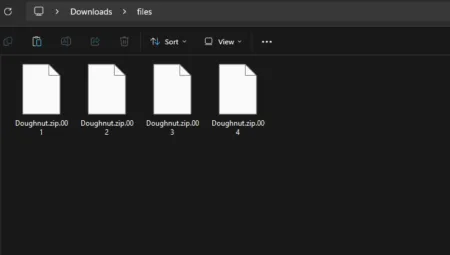
If the savegame comes in a ZIP or 7Z archive, extract it using a suitable archive utility. Read any instructions supplied by the author.
Step 4: Copy the save files
Place the extracted save files savegames folder as shown in the video tutorial.
Follow the author’s instructions about file names and folder structure. Avoid deleting your existing saves unless replacing them is necessary.
Step 5: Launch Samson
Start the game and check whether the new save appears or its progress loads correctly. If it doesn’t work, restore your backup and check that the file matches your game version.
You may like: Check DirectX Version on Windows
What Should a Fully Completed Samson Save Include?
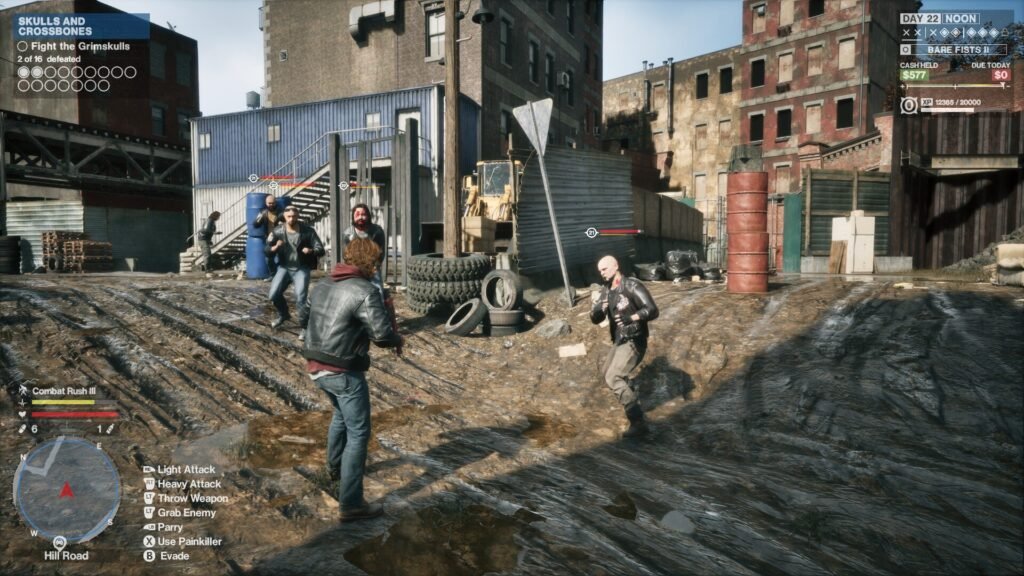
A genuine 100% savegame should clearly state which parts of the game have been completed. Depending on the creator’s progress, the file might include:
- Completed main story missions.
- Completed optional missions or challenges, where supported.
- Unlocked character skills and upgrades.
- Additional in-game money.
- Late-game progression or other unlocked content.
These features aren’t guaranteed to come together in every download. Always read the file details and check for version compatibility before installing it.
You may like: Enable or Disable VSync in Games
How to Fix Samson Savegame Not Working
If your downloaded save isn’t appearing in the game, try these checks:
- Save file in the wrong folder: Confirm that the files are in the correct
SaveGamesdirectory rather than an extra nested folder. - Incompatible save version: Check whether the creator specifies a particular game version or edition.
- Incorrect file structure: Extract the archive and follow the installation instructions carefully.
- Existing save conflict: Restore your backup and review the creator’s instructions before replacing files.
- Cloud synchronisation issue: If your launcher uses cloud saves, check whether synchronisation is restoring an older save or conflicting with your changes.
If none of these fixes work, return to your original backup and look for a savegame confirmed to work with your version of Samson.
You may like: Check Graphic Card Specs on Windows 11
Final Words
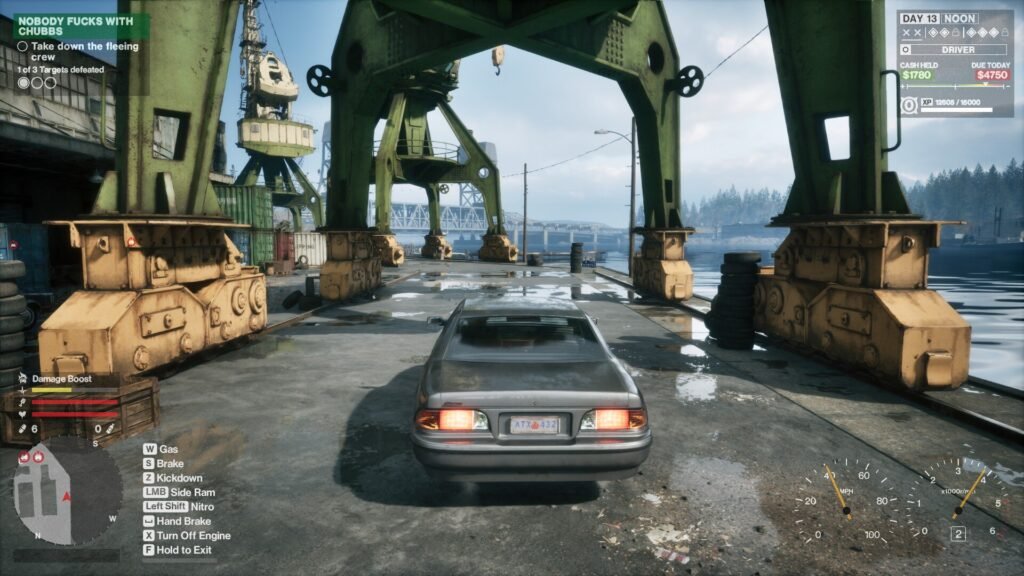
A Samson all missions completed savegame download for PC can be a useful shortcut for players who want to skip repeated missions and explore later parts of the game.
However, it’s important to choose the right file, check its actual completion status and follow the installation instructions properly.
You may like: Samson Custom Low Settings
Download Section
You can download your favorite SaveGames files from here:
| Mission | Credits | Files |
|---|---|---|
| Final Mission – All Versions | killburger | Download |
| Full Unlocked – All Versions | killburger | Download |
| Full Upgrade – Steam Only | ImVengance71 | Download |
| Full Unlocked – Steam Only | ImVengance71 | Download |
| Saves Setting (Optional) | Files |
|---|---|
| Copy to same savegames folder | Download |
Saves Installation Video