
Download the latest version of LSPDFR for Grand Theft Auto V Enhanced Edition and GTA 5 Legacy to access the latest LSPDFR mod pack releases for PC, and learn how to install the newest version with RAGE Plugin Hook to start your career as an LSPD police officer.
Table of Contents
If you’ve ever wanted to swap the life of a criminal for a police badge, LSPDFR is the perfect mod for GTA 5. It completely changes the way you play by turning Grand Theft Auto V into a police simulator, allowing you to patrol the streets of Los Santos, respond to emergency callouts, stop speeding drivers, arrest suspects, and much more.
On this page, you can download the latest LSPDFR for GTA 5 Legacy and GTA V Enhanced, along with the required RAGE Plugin Hook to get everything up and running. If you’re installing it for the first time or updating to the newest release, you’ll find everything you need to start your police career.
You may like: GTA V Ultimate Trainer
What is LSPDFR?
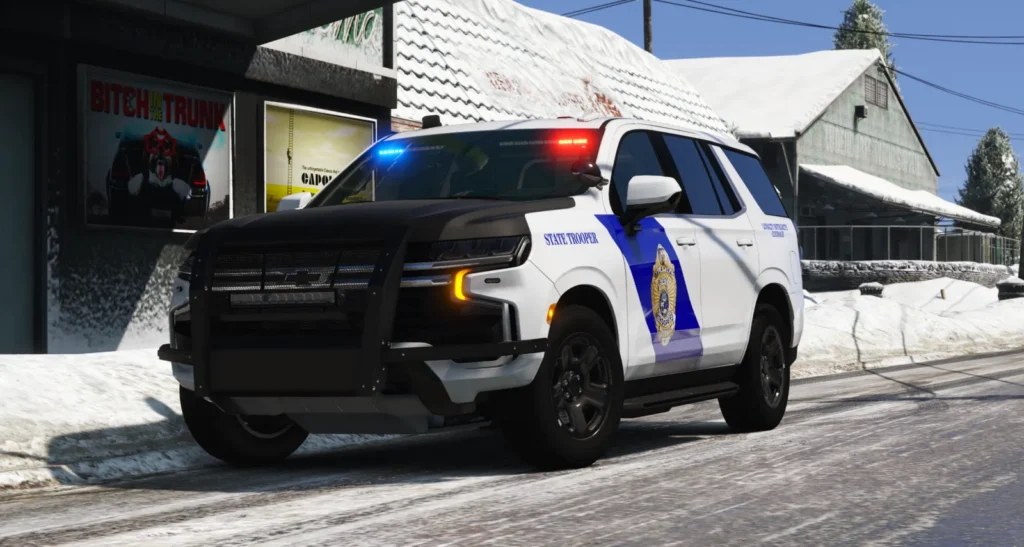
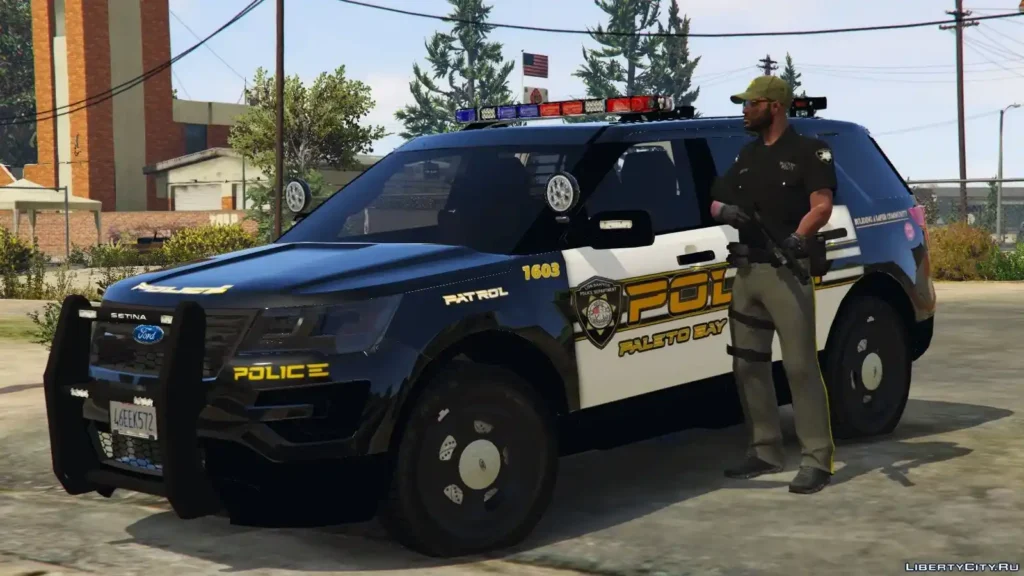
LSPDFR (Los Santos Police Department First Response) is one of the most popular GTA 5 mods pack ever created for Grand Theft Auto V on PC. Instead of playing as a criminal, you’ll take on the role of LSPD police officer and enforce the law across Los Santos and Blaine County.
The LSPDFR mod offers a realistic police experience with a wide range of gameplay features, making every patrol different from the last. You’ll answer emergency dispatch calls, pull over reckless drivers, chase fleeing suspects, arrest criminals, and work alongside AI police officers during incidents.
You may like: Simple Mods Loader
Features
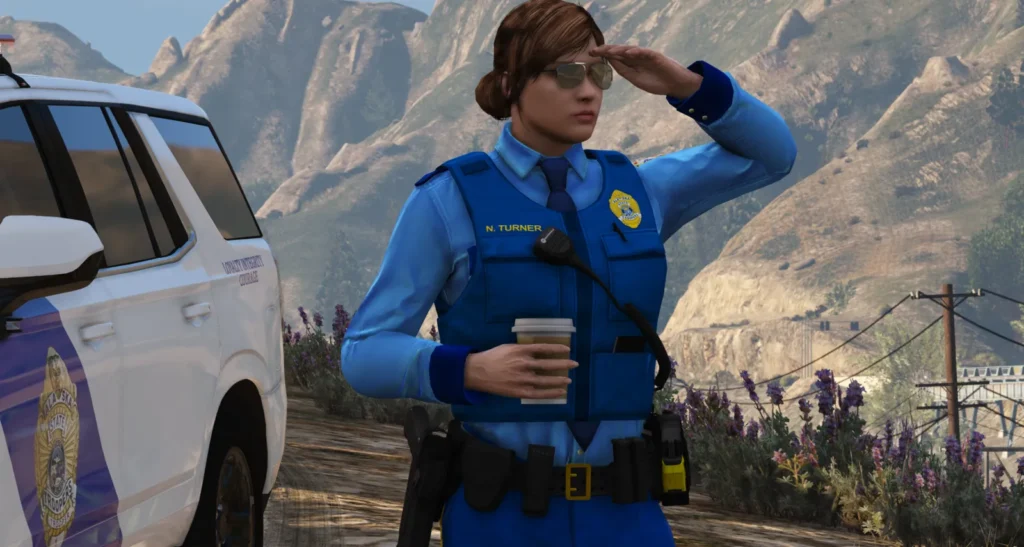
The newest version of LSPDFR includes a variety of improvements and gameplay enhancements, including:
- Realistic police patrol gameplay.
- Emergency dispatch callouts.
- Traffic stops and roadside checks.
- Foot and vehicle pursuits.
- Arrest and transport system.
- Backup requests, air support, and roadblocks.
- Compatibility with thousands of community plugins.
- Support for custom police vehicles, uniforms, and equipment.
- Improved stability and compatibility with the latest GTA 5 updates.
You may like: NaturalVision Lite GTA V Legacy Edition
LSPDFR for GTA 5 Enhanced & Legacy
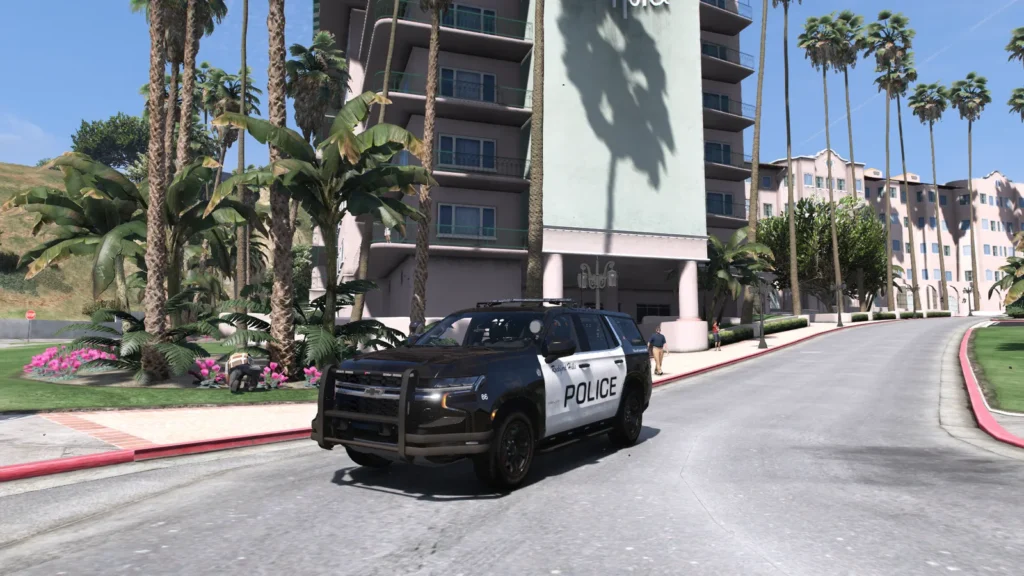
The latest release fully supports both GTA 5 Legacy and GTA V Enhanced on PC. Simply download the correct version with RAGE Plugin Hook, install the LSPDFR mods and become an police officer.
You may like: Native Mod Menu [ASI] (Enhanced)
How to Install LSPDFR
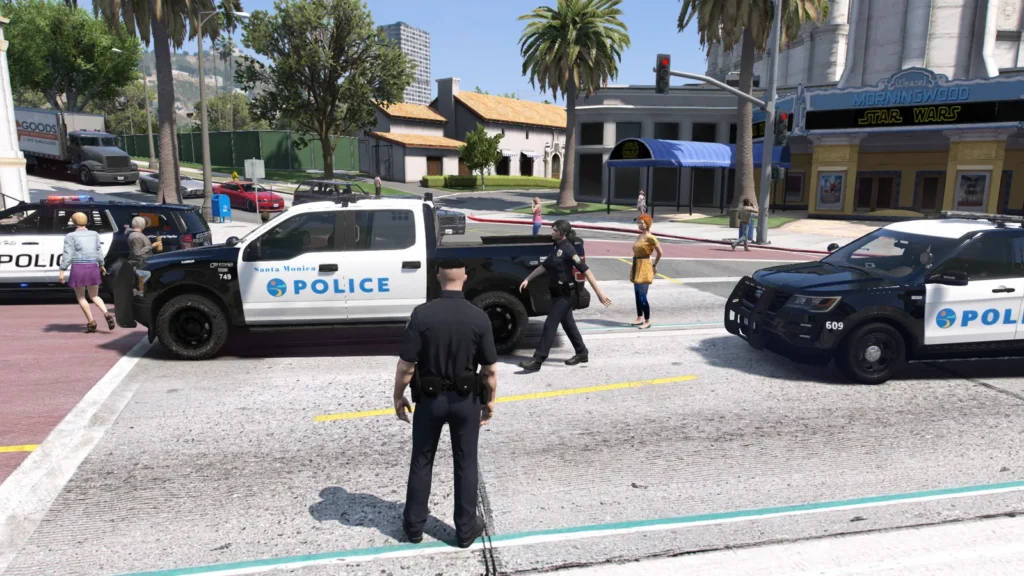
Installing LSPDFR is straightforward and only takes a few minutes.
- Download the latest version of LSPDFR.
- Download and install the latest RAGE Plugin Hook.
- Extract the downloaded files.
- Copy the LSPDFR files into your GTA 5 installation directory.
- Install required files depending on your edition.
- Launch the game using RAGE Plugin Hook.
- Enter Story Mode.
- Start LSPDFR and begin your first police patrol.
Always make sure you’re using the latest versions of both LSPDFR and RAGE Plugin Hook, as older releases may not work correctly after GTA 5 updates.
You may like: Rampage Trainer (Enhanced & Legacy)
System Requirements
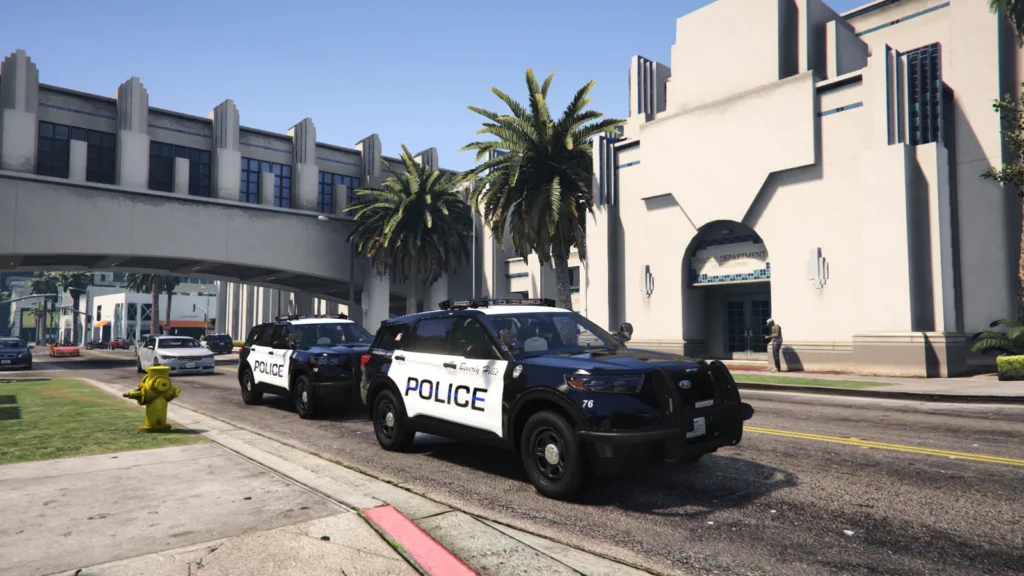
To enjoy the best performance, you’ll need a legitimate PC copy of GTA 5 Legacy or GTA V Enhanced together with the latest game update. A modern quad-core processor, at least 16 GB of RAM, and a DirectX 12 compatible graphics card are recommended for smooth gameplay, especially when using additional plugins and graphics mods.
Final Words
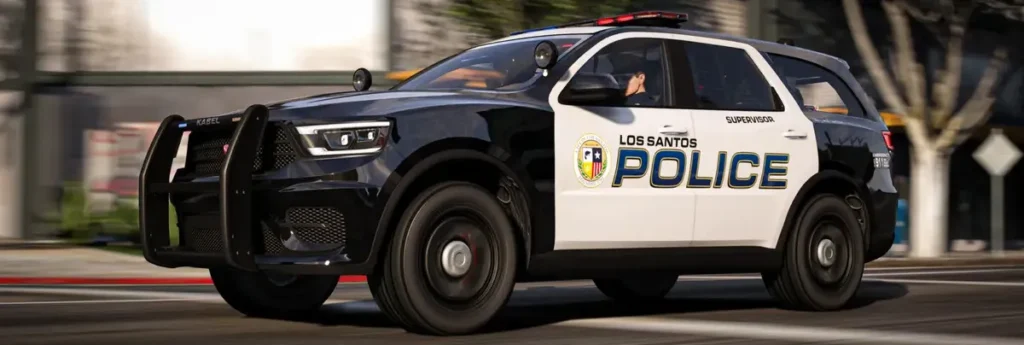
LSPDFR remains one of the best GTA 5 mods available for PC. Whether you’re patrolling the city, responding to emergency callouts, or chasing suspects through the streets of Los Santos, it delivers countless hours of immersive police gameplay.
Download the latest LSPDFR for GTA 5 Legacy and GTA V Enhanced, install the newest version with RAGE Plugin Hook, and start your journey as an LSPD police officer today. Don’t forget to keep your mods up to date for the best performance, stability, and compatibility with future GTA 5 updates.
You may like: Download NaturalVision Enhanced
LSPDFR Installation Video
Download Section
You can download the latest LSPDFR releases for GTA V Enhanced and GTA 5 Legacy from this section of the page. Please read any disclaimers before downloading or installing the LSPDFR mods on your computer.

LSPDFR for GTA V Legacy
Here you can obtain LSPDFR for Grand Theft Auto V Legacy Edition:
If the above button is not working, you can download from here:
If you are installing LSPDFR 0.4 for the first time, we strongly recommend that you do so on a clean copy of Grand Theft Auto V without any other mods or plugins. Add your game folder and your downloads folder to defender’s exclusions to help prevent false positives.
LSPDFR for GTA V Enhanced
Here you can obtain LSPDFR for Grand Theft Auto V Enhanced Edition:
If the above button is not working, you can download from here:
If you are installing LSPDFR 0.4 for the first time, we strongly recommend that you do so on a clean copy of Grand Theft Auto V Enhanced without any other mods or plugins. Add your game folder and your downloads folder to defender’s exclusions to help prevent false positives.
Support LSPDFR
FAQ’s
Frequently asked questions:
What is LSPDFR for GTA 5 Enhanced and Legacy?
LSPDFR (Los Santos Police Department First Response) is a popular modification for Grand Theft Auto 5 that allows you to play as a police officer. It adds police callouts, traffic stops, arrests, pursuits, and a wide range of law enforcement features to create a realistic policing experience.
Does LSPDFR work with GTA 5 Enhanced and Legacy?
Yes, the latest version of LSPDFR supports both GTA 5 Enhanced and GTA 5 Legacy. However, you must download the correct version for your edition of the game, as the installation files and compatibility may differ.
Is LSPDFR free to download?
Yes, LSPDFR is completely free to download and use. You can install it without paying any licence or subscription fees, although some optional third-party plugins and add-ons may have their own requirements.
How do I install LSPDFR?
Installing LSPDFR involves downloading the latest release, extracting the files, and copying them into your GTA 5 installation folder. You should carefully follow the installation guide provided to ensure all required files are placed in the correct locations.
Can I use LSPDFR with mods?
Yes, LSPDFR is designed to work alongside many GTA 5 mods. However, not every mod is compatible, so it is recommended to use mods that are regularly updated and known to work with your version of LSPDFR.
Do I need a legal copy of GTA 5?
Yes, LSPDFR is intended for use with a legitimate copy of Grand Theft Auto 5. Using an official game installation helps ensure compatibility, stability, and access to future updates.
Will LSPDFR affect GTA Online?
No, LSPDFR is designed for single-player mode only. You should never attempt to use LSPDFR or other single-player modifications while playing GTA Online, as doing so may lead to account penalties.
Why is LSPDFR not working after a GTA 5 update?
Major GTA 5 updates often change game files, which can temporarily break mod compatibility. If LSPDFR stops working after an update, you should wait for a compatible version to be released or use a game version supported by the current LSPDFR release.
How do I update LSPDFR?
To update LSPDFR, download the latest version and replace the older files according to the installation instructions. It is also recommended to update any compatible plugins to avoid crashes or unexpected issues.
Why does LSPDFR crash on launch?
LSPDFR may crash because of outdated plugins, incompatible mods, missing files, or an incorrect installation. Updating your mods, removing incompatible plugins, and reinstalling LSPDFR usually resolves most launch issues.
Can I uninstall LSPDFR later?
Yes, you can remove LSPDFR at any time by deleting its files from your GTA 5 installation. If you want to restore the game to its original state, it is recommended to keep a clean backup of your game files before installing any mods.
Is LSPDFR safe to use?
Yes, LSPDFR is safe to use but to minimise any risk of issues, always make a backup of your game, download the latest version of LSPDFR, and avoid using outdated or unverified plugins.