

The Unarchiver is a lightweight and reliable file extraction tool designed specifically for macOS. It supports a wide range of archive formats and is widely used as an alternative to the built-in macOS archive utility.
Table of Contents
If you are using a MacBook, iMac, or any macOS device, The Unarchiver offers a simple and efficient way to open compressed files.
Key Features
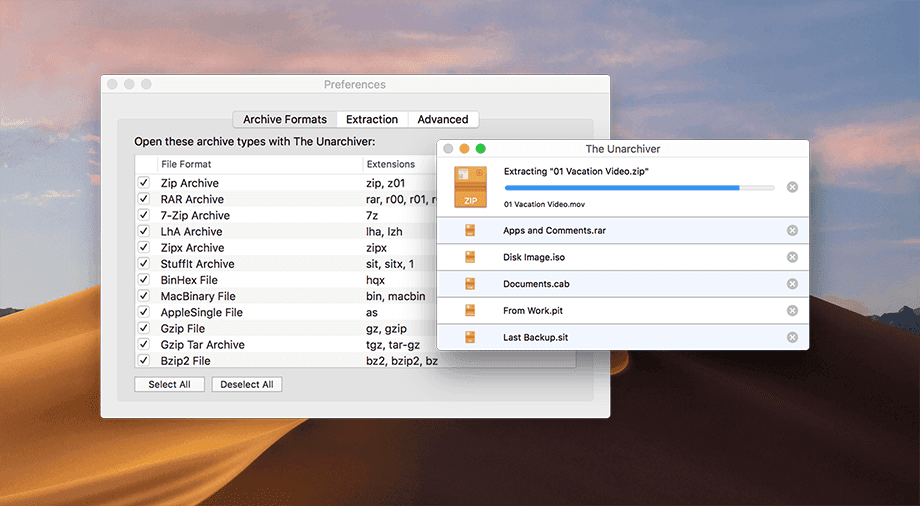
- Supports popular formats including ZIP, RAR, 7z, TAR, GZIP, and more
- Handles older and uncommon archive formats with ease
- Clean and minimal user interface
- Fast extraction with high reliability
- Automatically detects and extracts multi-part archives
- Fully compatible with modern macOS versions
You may like: Notepad++
System Requirements
- macOS 10.13 (High Sierra) or later
- Compatible with MacBook, MacBook Air, MacBook Pro, iMac, and Mac mini
- 200 MB storage space required
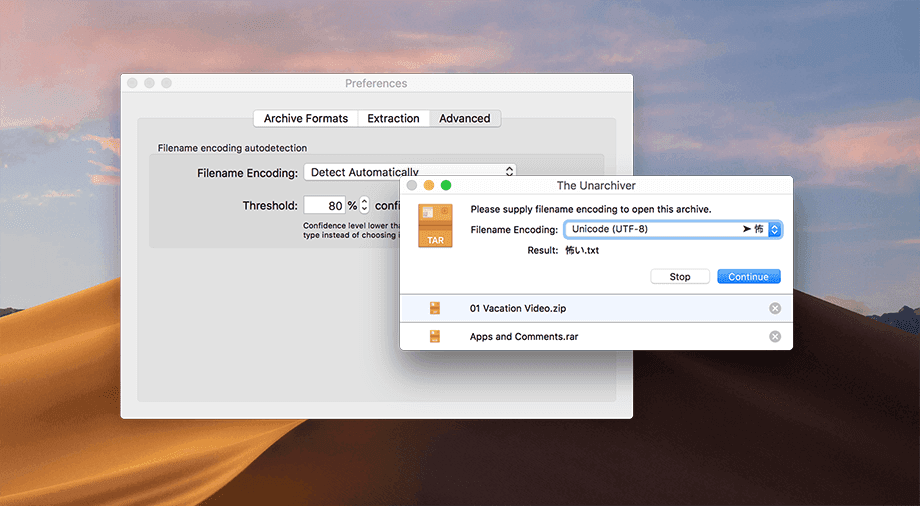
How to Install The Unarchiver
- Scroll to download section
- Obtain the latest version
- Open the downloaded file (if from website) or launch via App Store
- Drag The Unarchiver into your Applications folder (if required)
- Open the app and set it as your default archive tool (optional)
How to Use
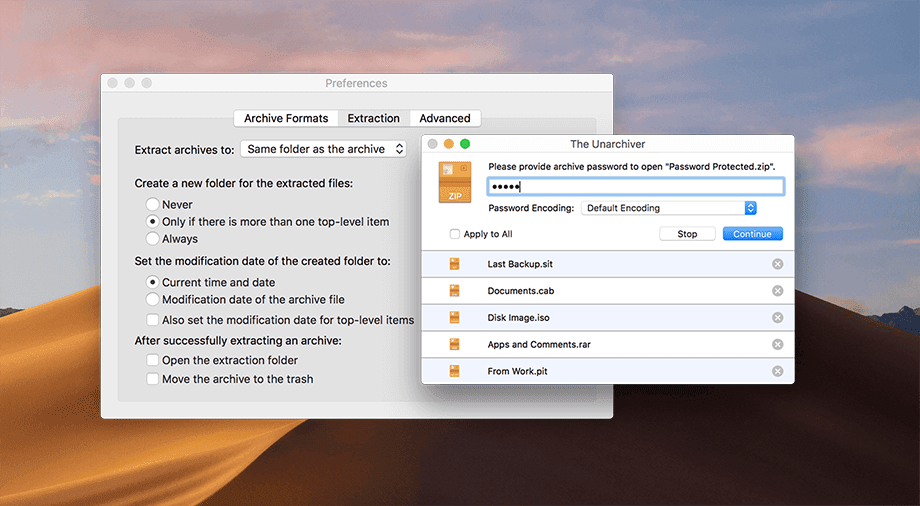
- Double-click any supported archive file to extract it instantly
- Alternatively, right-click the file and choose “Open With → The Unarchiver”
- Select your preferred extraction destination
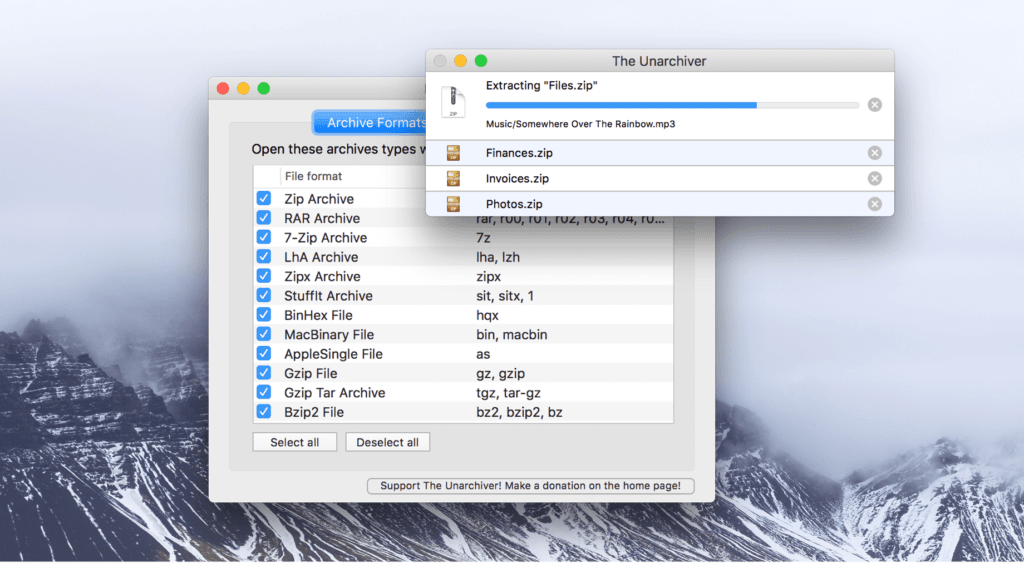
Why Choose The Unarchiver?
The Unarchiver stands out due to its broad format support and simplicity. Unlike many alternatives, it focuses purely on extraction without unnecessary features, making it fast, secure, and easy to use for everyday tasks.
You may like: MSI Afterburner
Final Notes
The Unarchiver is an essential utility for anyone working with compressed files on macOS. Its compatibility with a wide range of formats and consistent performance makes it a must-have tool for both casual users and professionals.
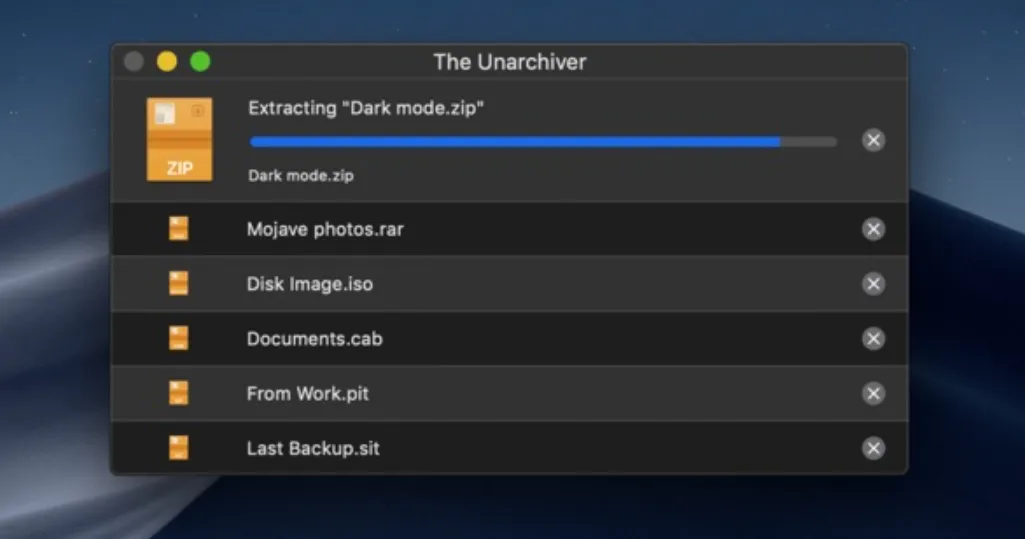
Always ensure you download the latest version to benefit from improved performance, bug fixes, and compatibility updates.
Download Section
If the above site is not working, you can download from here: