

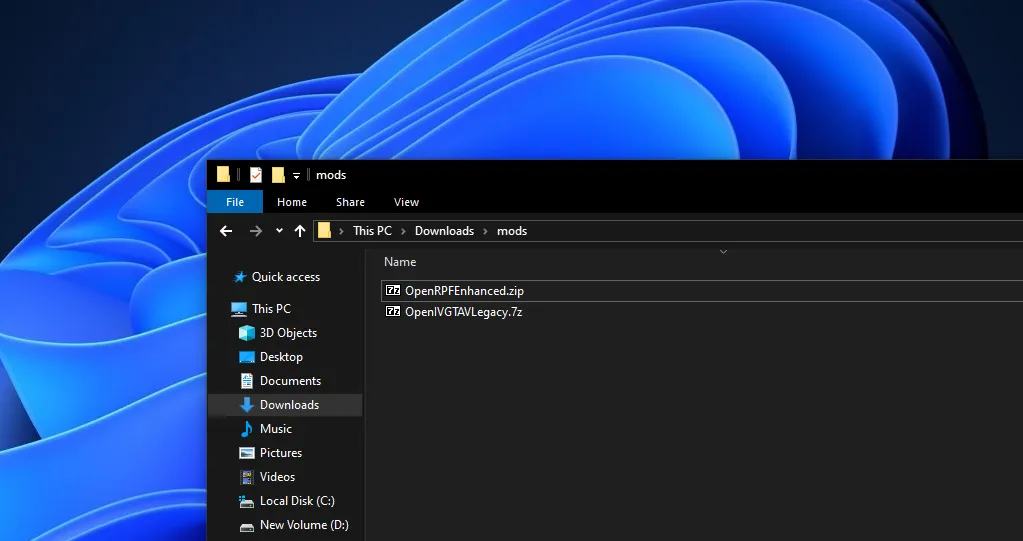
If you’re looking for GTA 5 mods loader tools to properly mod Grand Theft Auto V PC, you’re in the right place, as this guide covers the latest versions of OpenRPF.asi and OpenIV.asi, explains the difference between them, and shows you how to install and use archive-based mods in GTA 5 Enhanced and Legacy.
Table of Contents
If you’re playing the newer GTA 5 Enhanced build or sticking with GTA V Legacy, using the correct ASI mods loader is essential for installing archive-based mods like vehicles, graphics upgrades, maps, and realism packs.

What Is a GTA 5 Mods Loader?
A GTA 5 mods loader is a small ASI plugin that allows the game to load modified game archives (.rpf files). By default, GTA V won’t read altered archives, which is where tools like OpenRPF.asi and OpenIV.asi come in.
They work alongside Script Hook V and an ASI Loader to safely enable mods while keeping the original game files intact.
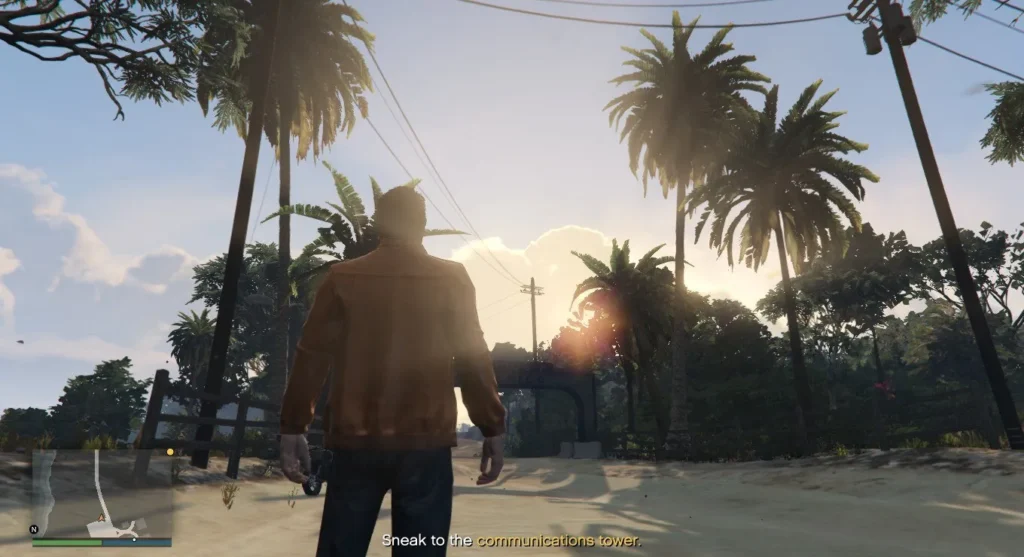
OpenRPF.asi vs OpenIV.asi – What’s the Difference?
If you are wondering what the difference is between OpenRPF.asi and OpenIV.asi, here is how they both work in Grand Theft Auto V on PC for modders:
OpenRPF.asi (GTA 5 Enhanced)
- Designed for GTA 5 Enhanced
- Lightweight and modern archive loader
- Focused purely on enabling
.rpfmod loading - Ideal for newer GTA V builds and updated mod frameworks
If you’re running GTA 5 Enhanced, OpenRPF.asi is the recommended choice.
OpenIV.asi (GTA V Legacy)
- Used for GTA V Legacy
- Works with older game versions
- Integrates with OpenIV’s classic workflow
- Still widely supported by older mods
If you’re on GTA V Legacy, stick with OpenIV.asi for maximum compatibility.

How to Install GTA 5 Mods Loader (Step-by-Step)
Install Script Hook V
Script Hook V is required for all ASI mods.
- Download Script Hook V latest version
- Extract the files with 7zip
- Follow the Video Tutorial for correct installation
- Copy files into root
Add OpenRPF.asi or OpenIV.asi
- Copy OpenRPF.asi (Enhanced) or OpenIV.asi (Legacy)
- Paste it into your main GTA V folder (where
GTA5.exeis)
That’s it—the mods loader is now active.
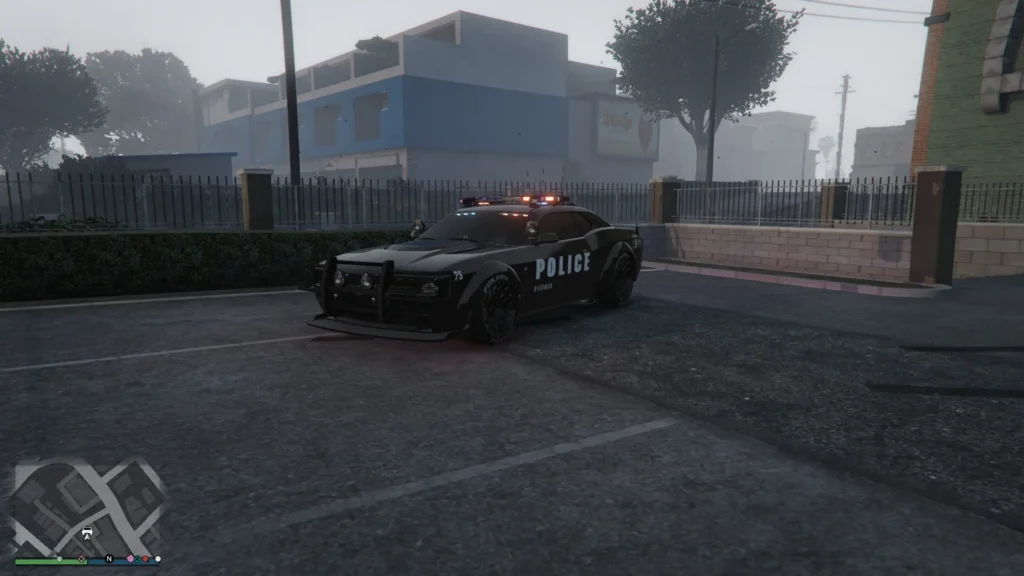
How to Use Archive-Based Mods in GTA 5 PC
Archive-based mods modify .rpf files such as:
- Vehicles
- Weapons
- Maps
- Textures
- Sound packs
- Graphics mods
Recommended Method: Mods Folder
Never edit original game archives directly.
- Create a
modsfolder in your GTA V directory - Copy the original
.rpffile into themodsfolder - Install the mod into the copied archive
- Launch the game
The mods loader redirects GTA V to load files from the mods folder, keeping your base game clean and safe.

GTA 5 Enhanced vs Legacy – Which One Are You Running?
- Enhanced: Newer updates, better stability, use OpenRPF.asi
- Legacy: Older version, wider mod support, use OpenIV.asi
Using the wrong loader can cause crashes, infinite loading screens, or mods simply not working.

Is Modding GTA 5 Safe?
For single-player, yes—when done properly.
- Use a mods folder
- Keep backups
- Use the correct mods loader
- Don’t go online with mods enabled
Rockstar does not allow mods in GTA Online, so always remove or disable mods before going online.

Common GTA 5 Mods Loader Issues
Game won’t start?
- Check Script Hook V is updated
- Make sure the ASI loader is installed
Mods not loading?
- Verify you’re using the correct loader (Enhanced vs Legacy)
- Confirm mods are installed in the
modsfolder
Crashes after update?
- Wait for updated versions of Script Hook V and mods loaders
Final Thoughts
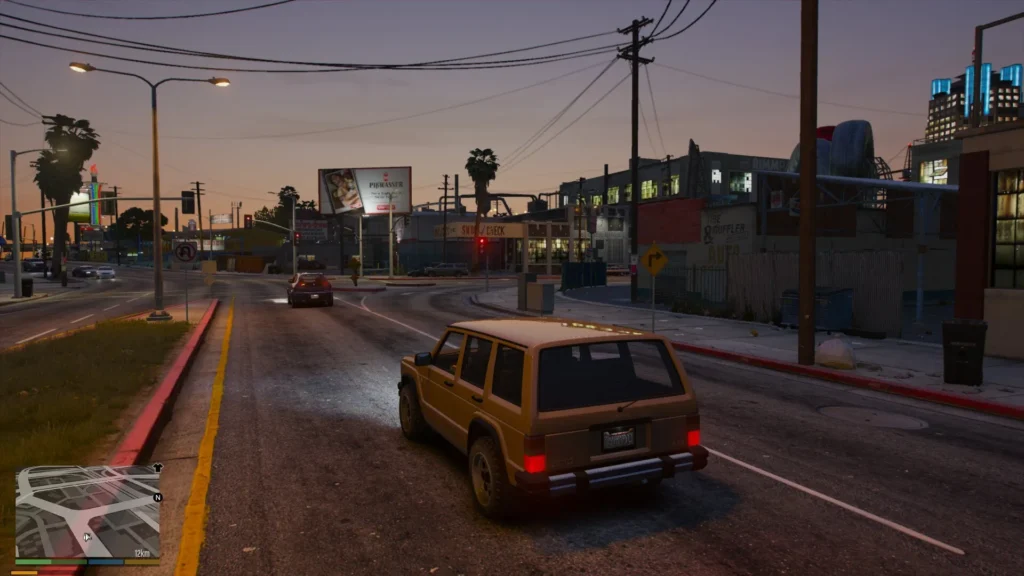
Using the right GTA 5 mods loader makes all the difference. OpenRPF.asi for GTA 5 Enhanced and OpenIV.asi for GTA V Legacy ensure your archive-based mods load properly without damaging your game.
Once set up, modding Grand Theft Auto V PC is easy, flexible, and massively improves the single-player experience, from realistic cars to full visual overhauls.
You will also need: Mods Folder – GTA 5 Mods
Installation Video
Download Section
FAQ’s

Frequently Asked Questions:
What is the GTA 5 Mod Loader for Enhanced and Legacy versions?
The GTA 5 Mod Loader is a system that allows the game to load modified files externally for both Enhanced and Legacy editions. It supports different ASI plugins depending on the game version, ensuring mods function correctly without overwriting original files.
What is OpenRPF.asi for GTA 5 Enhanced?
OpenRPF.asi is an ASI plugin developed for the Enhanced version of GTA 5 that enables the loading of modified RPF archives. It acts as a modern replacement for older loaders, ensuring compatibility with updated game builds and enhanced mod frameworks.
What is OpenIV.asi used for in GTA 5 Legacy?
OpenIV.asi is used in GTA 5 Legacy to allow modified RPF archives to be loaded during gameplay. It works with OpenIV to support classic mods that rely on archive-based file replacement.
Why are different ASI loaders needed for Enhanced and Legacy versions?
Enhanced and Legacy versions of GTA 5 use different game builds and file handling methods. Separate ASI loaders are required to ensure stability, compatibility, and proper mod loading for each version.
Where do I install OpenRPF.asi and OpenIV.asi?
Both OpenRPF.asi and OpenIV.asi must be placed in the main GTA 5 installation folder, alongside GTA5.exe. An ASI loader such as Script Hook V is also required for these plugins to function.
Can I use OpenRPF.asi on GTA 5 Legacy?
OpenRPF.asi is intended for GTA 5 Enhanced and is not recommended for Legacy builds. Using the incorrect ASI plugin can lead to crashes, missing assets, or mods failing to load.
Does the Mod Loader protect original game files?
Yes, the Mod Loader system allows mods to be loaded externally, reducing the need to overwrite original game archives. This helps maintain a clean installation and makes mod management easier.
Is OpenIV still required when using OpenRPF.asi?
OpenIV may still be required for viewing and editing RPF files, but OpenRPF.asi handles the actual loading of modified archives in Enhanced versions. The two tools serve different but complementary purposes.
Are these loaders safe for single-player use?
Both OpenRPF.asi and OpenIV.asi are considered safe for single-player modding when downloaded from trusted sources. They should not be used in GTA Online, as modding online can result in penalties.
What should I do if mods are not loading correctly?
If mods fail to load, you should confirm that the correct ASI plugin is installed for your game version, verify compatibility with your current build, and check for conflicts with other mods or outdated loaders.