


Java software is a computer programming language and computing platform that allows developers to create a wide range of software applications. It was first released in 1995 by Sun Microsystems and is now owned by Oracle Corporation.
Table of Contents
Java is used to create a variety of software applications, including mobile applications, web applications, and desktop applications. It is also used in many different industries, such as finance, healthcare, and gaming.
One of the main benefits of using Java is its cross-platform compatibility, which means that applications can run on different operating systems such as Windows, macOS, and Linux without requiring any modifications. Additionally, Java has a large community of developers and users, which means there are a lot of support and resources available for those who are new to the language.
Java Software Usage
Java software is a general-purpose programming language and computing platform that is used to develop various applications and software. It is widely used for developing enterprise-level applications, mobile applications, games, web applications, and embedded systems. Java provides developers with the ability to write code that can run on multiple platforms, making it a popular choice for cross-platform development.
It is also used extensively for building large-scale, complex software systems, such as banking systems, stock trading applications, and other mission-critical systems. Additionally, Java is used for developing internet-of-things (IoT) devices, cloud-based applications, and big data processing systems. Overall, Java is a versatile language that is used for a wide variety of applications and software development purposes.
Java Software System Requirements
The system requirements for running Java applications may vary depending on the specific application and the version of Java being used. However, in general, the following are the minimum system requirements for running most Java applications:
- Operating System: Windows 7 or later, macOS 10.12 Sierra or later, or a recent version of Linux
- Processor: 1 GHz or faster
- RAM: 1 GB (32-bit) or 2 GB (64-bit)
- Hard disk space: 250 MB for JRE (Java Runtime Environment) only, up to 2 GB for JDK (Java Development Kit) and other development tools
It’s important to note that some Java applications may have higher system requirements depending on their complexity and resource needs. Additionally, running multiple Java applications simultaneously may require more system resources than running a single application. Therefore, it’s recommended to check the specific system requirements for the Java application you want to use before installing it on your computer.
How to Install Java Application?
Here is a step-by-step guide on how to install Java software program:
For Windows:
- Download the Java installer software from the download section.
- On the website, click “Agree and Start Free Download” button to get installer.
- Once the download is complete, run the installer by double-clicking it.
- Click next to complete the installation process.
- Once the installation is complete, restart your compute.
For macOS:
- Open Java website and click on the “Free Java Download” button for Mac.
- Click on the “Agree and Start Free Download” button to download the installer.
- Once the download is complete, open the downloaded file by double-clicking on it.
- Click next to complete the installation process.
- Once the installation is complete, restart your computer.
For Linux:
- Open your terminal and type in the following command to update your package manager:
sudo apt-get update - Type in the following command to install Java:
sudo apt-getinstalldefault-jdk - Once the installation is complete, type in the following command to verify the installation:
java -version - If the installation was successful, you should see the version of Java installed.
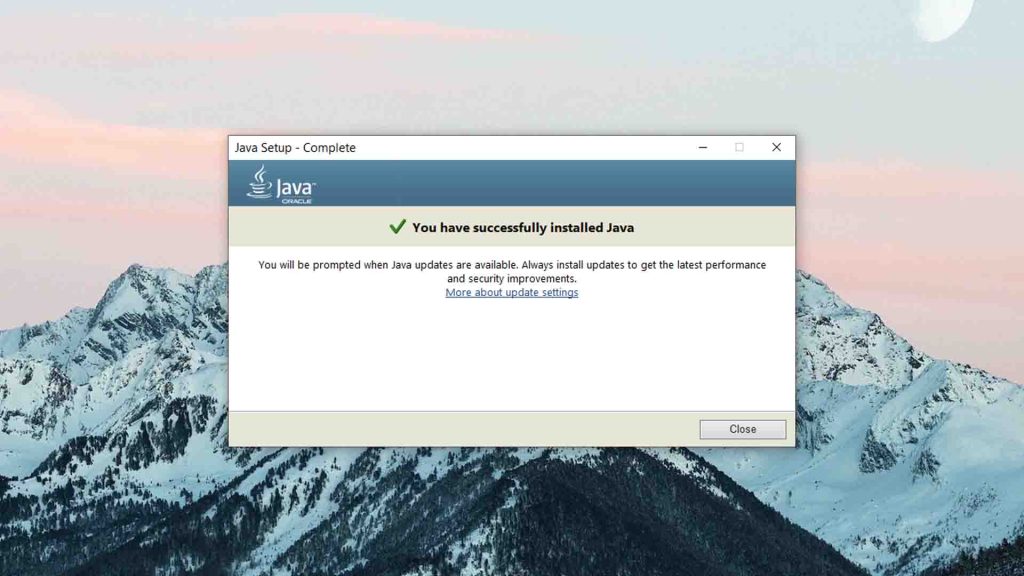
That’s it! You have now successfully installed Java software on your computer.
Download Section
If you are unable to download use this jre-8u361-x64 mirror download.
FAQ’s
Here are some FAQs and answers related to Java software:
What is Java software?
Java is a programming language and computing platform used to develop and run applications. Java software is used in a wide range of applications, including web development, mobile applications, enterprise software, and more.
Do I need to install Java software on my computer?
You need to install Java software on your computer depends on the applications you use. Many applications, such as web browsers and enterprise software, require Java to run.
How do I install Java software on my computer?
You can download the latest version of Java software from the official Java website. Once you have downloaded the software, run the installer and follow the instructions.
What are some common issues with Java software?
Some common issues with Java software include installation errors, compatibility issues with other applications, and security vulnerabilities.
How can I fix issues with Java software?
To fix issues with Java software, you can try reinstalling the software, updating to the latest version, and checking for compatibility issues with other applications. You should also ensure that your system has the necessary system requirements and security updates installed.
If you have a question feel free to ask in the comments.