


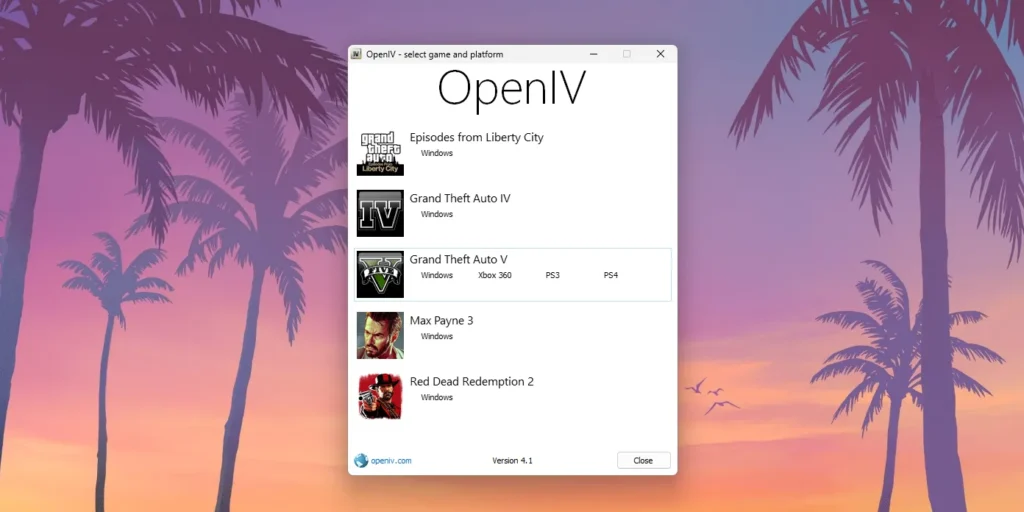
If you’re into modding Grand Theft Auto V and have recently upgraded to the Enhanced Edition, you may have run into issues with OpenIV compatibility. While OpenIV has long been a go-to tool for modifying GTA V, newer updates to the game have introduced changes that make it difficult or even impossible to use the tool without problems.
Table of Contents
That’s where the OpenIV Fix for GTA V Enhanced Edition proves invaluable. This patch ensures OpenIV functions correctly with the latest game builds, allowing you to install mods, edit game files, and manage your setup without crashes or errors.
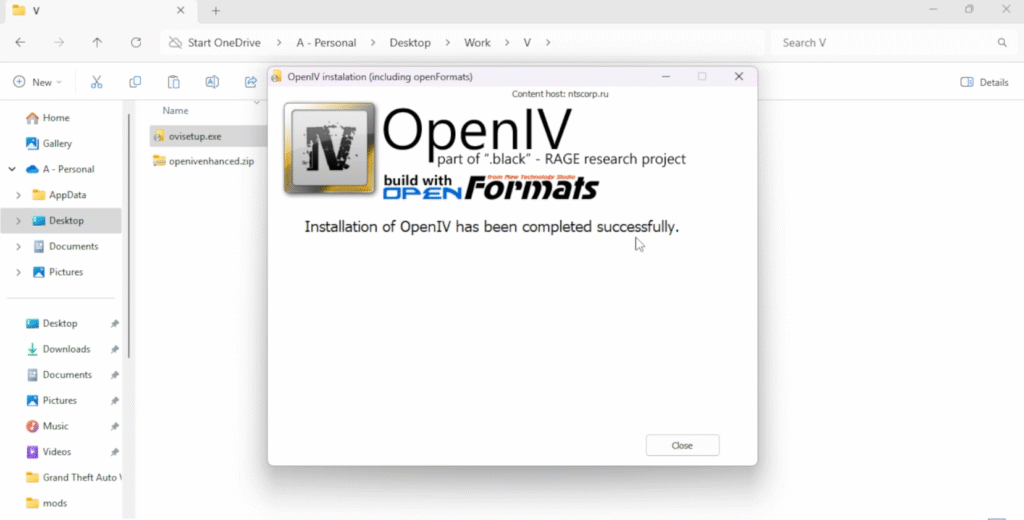
What is the OpenIV Fix?
The OpenIV Fix is a modified configuration patch specifically designed for the GTA V Enhanced Edition (including builds like 1.0.2545.0 and later). It resolves common issues such as:
- OpenIV failing to launch or locate the game folder
- Errors when trying to access or edit
update.rpfordlcpacks - Crashes when previewing textures or models
- General incompatibility with newer DLCs and file structures
If you’ve had issues since updating the game, this fix is almost certainly what you need.
You may like: List of All DirectX 12.2 Graphics Cards
🧩 Why Is This Fix Necessary?
Rockstar frequently updates GTA V, often altering core files, encryption, or access rules. Since OpenIV hasn’t received official updates in some time, users are left facing:
- “Game folder not found” messages
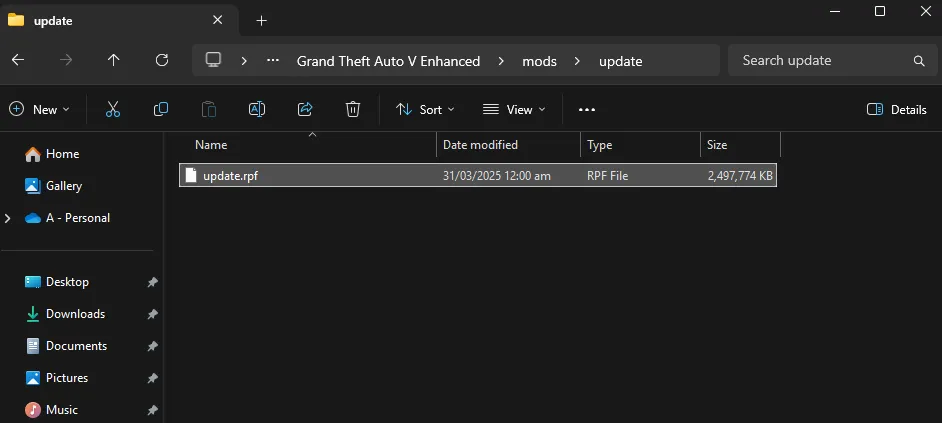
- Blocked access to key archive files like
update.rpf - Failure to load
.asior.dllmods - Mods breaking due to version mismatches
This fix circumvents those issues and restores OpenIV’s full functionality with Enhanced Edition builds.
You may like: Locate GTA 5 Enhanced Directory
💬 Feedback from the Community
The modding community has welcomed this fix, with many users reporting it’s brought their setups back to life:
“Finally got OpenIV working again—this fix sorted everything!”
“Couldn’t install anything before. Now I’m back to adding cars and scripts as usual.”
Whether you’re installing new textures, adding vehicles, or experimenting with scripts, this fix gets you back to full creative control.
You may like: GTA 5 All Edition Transparent PNG Logo
Please Note
- This fix is for offline/single-player use only. Do not use mods in GTA Online.
- Some antivirus programmes may falsely flag or block the patch files—be sure to whitelist them.
- If OpenIV still crashes, try reinstalling the programme and removing conflicting mods.
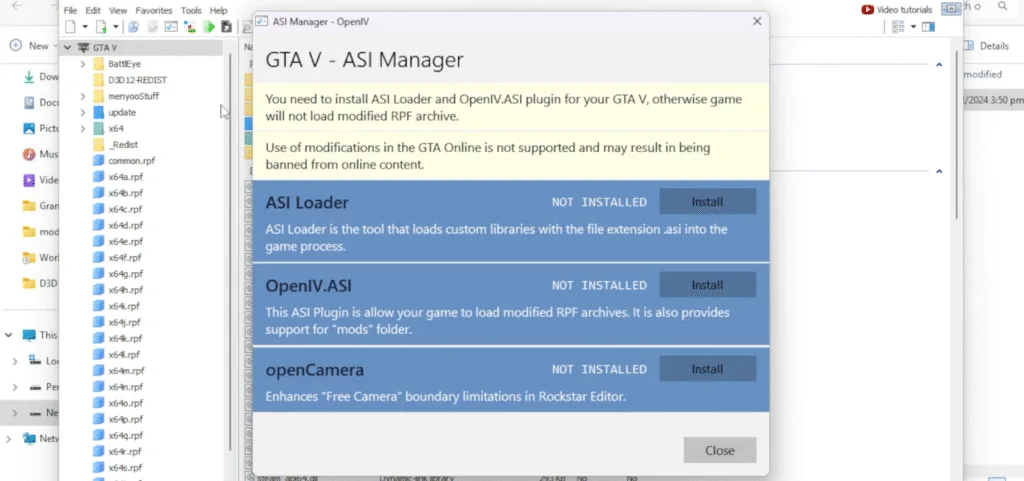
- Do not install the ASI tools until OpenIV is updated for GTA V Enhanced, instead watch this video for alternatives.
Download Section
Tip: Always create backups of your original Grand Theft Auto V directories before applying the patch, and watch the installation tutorial video for instructions.
How to Install
To install the fix, simply watch this video tutorial:
Final Thoughts
GTA V’s updates shouldn’t stop you from enjoying the freedom and creativity that modding offers. The OpenIV Fix for GTA V Enhanced Edition makes sure you can keep doing what you love—without hassle.
You may like: Optimize Marvel’s Spider-Man 2 for Low-End PC



7 Comments
what is the file password
Password is shown in the video tutorial, watch it carefully: https://www.youtube.com/watch?v=XJpUOWa9EPk
там нет никакого пароля
password is shown in this video: https://www.youtube.com/watch?v=XJpUOWa9EPk
thanks man
This link was supposed to take me to where I can download the file to fix openIV, instead I got a shitty article explaining what openIV is.
I didnt open up https://gamedecide.com/openiv-enhanced/
I opened https://tinyurl.com/yuknkwc2
links are fixed, the problem was bad accessibility by the new author.