In this article, you will learn how to play GTA 4 without graphics card on a low-end computer with the help of GTA IV custom graphic setting. We will guide you on how to run Grand Theft Auto IV including the Niko Bellic version, Episodes from Liberty City(EFLC), and Complete Edition without having a nice GPU with smoother gameplay.
Table of Contents
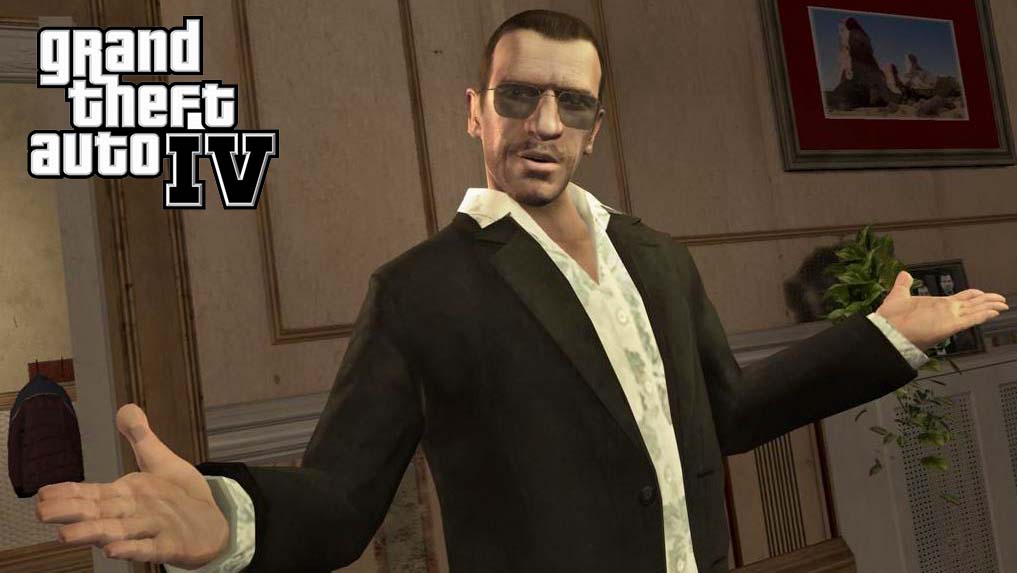
Grand Theft Auto IV (GTA 4) is an action and adventure video game developed by our favorite Rockstar North and published by Rockstar Games. Despite its demanding graphics requirements, it is possible to play GTA 4 without a dedicated graphics card. This is possible due to the game’s compatibility with software-based rendering solutions and the use of low-end graphics options.
Can we Play GTA 4 on Low-Enc PC?
One of the main reasons why it is possible to play GTA 4 without an expensive dedicated graphics card is the availability of software-based rendering solutions and the game itself is pretty old which makes it playable on many low-end pc’s. You should also check my article on how to play GTA 5 without graphics card.
Some solutions use the CPU to simulate the functionality of a graphics card, allowing the game to run even on computers that do not have a dedicated graphics card. This makes the game accessible to a wider range of users, including those with low-end systems who would otherwise be unable to play the game.
Another factor that contributes to the ability to play GTA 4 without a dedicated graphics card is the game’s low-end graphics options. GTA 4 includes a range of graphics options that allow players to adjust the quality and performance of the game.
GTA IV Graphic Settings
For example, players can turn off advanced graphics features such as shadows and reflections, reduce the texture quality, and lower the resolution. These options allow players to adjust the game’s performance to match the capabilities of their system, ensuring that the game runs smoothly even on low-end systems without a dedicated graphics card.
For those who do not have a good graphics card in the computer, they can use the following guide, these steps are for those who have a very low-end potato computer and want to run Grand Theft Auto IV. After applying these settings below, you should be able to play missions and enjoy the whole game.
How to Run GTA IV Without Graphics Card
To play Grand Theft Auto IV (GTA 4) without a dedicated graphics card, follow these steps:
- Update your system: Make sure your system meets the minimum requirements for running GTA 4. This includes updating your operating system, drivers, and other software components to ensure compatibility with the game.
- Install a software-based rendering solution: Install a software-based rendering solution such as Visual C++ and DirectX, which will allow your CPU to simulate the functionality of a graphics card.
- Adjust the graphics options: Launch GTA 4 and go to the graphics options menu. Turn off advanced graphics features such as shadows and reflections, reduce the texture quality, and lower the resolution. This will help to reduce the demands on your system and ensure that the game runs smoothly without a dedicated graphics card.
- Enable VSync: Enabling the Vertical Synchronization (VSync) option in the graphics options menu will help to prevent screen tearing and ensure a smoother gaming experience.
- Optimize your system: Make sure your system is optimized for gaming. This includes freeing up system resources, closing background applications, and disabling unnecessary services and processes.
- Applying Commandline: Another method of playing GTA 4 on low computer is by applying some custom commandline settings, and you can download that from the bottom of this article.
- Start playing: With these steps in place, you should now be able to play GTA 4 without a dedicated graphics card.
Download section
You can download the custom command settings from below button.
It’s important to keep in mind that playing GTA 4 without a dedicated graphics card may result in lower performance and lower graphics quality compared to playing the game on a system with a dedicated graphics card. However, by following the steps above, you can still enjoy the game even without a dedicated graphics card.
Conclusion
In conclusion, while GTA 4 is a demanding game that requires a powerful system to run at its best, it is possible to play the game without a dedicated graphics card. This is due to the availability of software-based rendering solutions and the game’s low-end graphics options, which allow players to adjust the performance of the game to match their system’s capabilities.