


Download CLEO Redux for Grand Theft Auto games including GTA III, Vice City, San Andreas, and GTA IV with Installation of CLEO scripts, JavaScript mods, cheats, and gameplay with powerful scripting runtime for GTA games.
Table of Contents
CLEO Redux is a modern mod loader and scripting runtime that supports JavaScript, TypeScript, and SCM scripts, allowing players to install custom cheats, gameplay improvements, and mission scripts easily.
About CLEO Redux
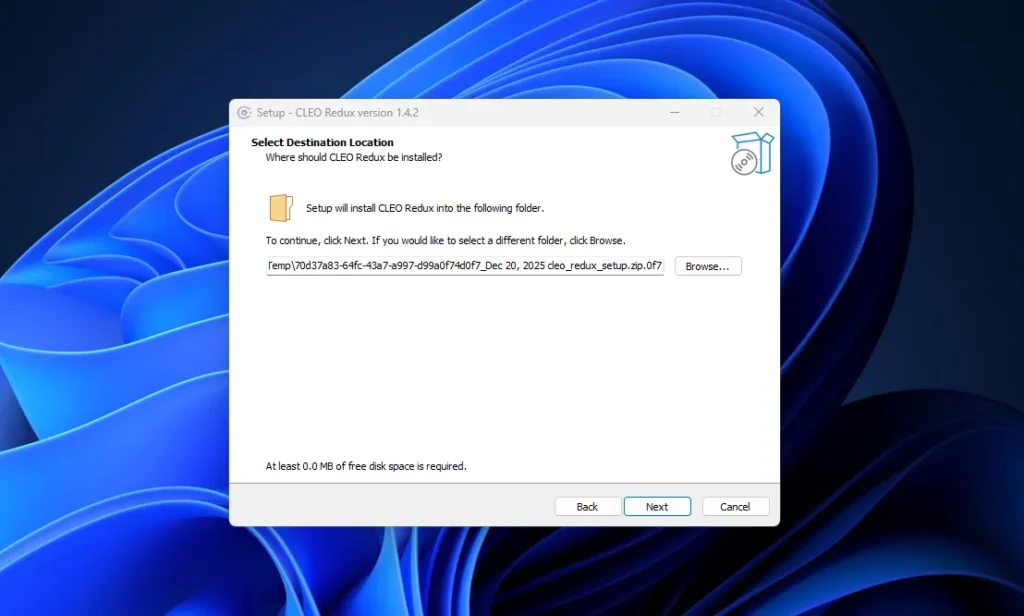
CLEO Redux is a powerful scripting runtime that allows players and modders to run custom scripts in several Rockstar games.
It is an advanced version of the traditional CLEO library and supports modern scripting languages such as JavaScript and TypeScript. With CLEO Redux installed, players can easily add new gameplay features, cheats, missions, and mechanics through community-made scripts without modifying the core game files.
The tool is widely used by modders of the GTA 3D era games and newer ports, making it possible to extend gameplay far beyond the original game limitations.
It is a popular tool among GTA modders because it enables extensive game customisation without altering the original game files. If you want to install CLEO scripts, GTA script mods, or gameplay modifications, CLEO Redux is one of the most reliable solutions available.
You may like: .NET Desktop Runtime
How CLEO Redux Work
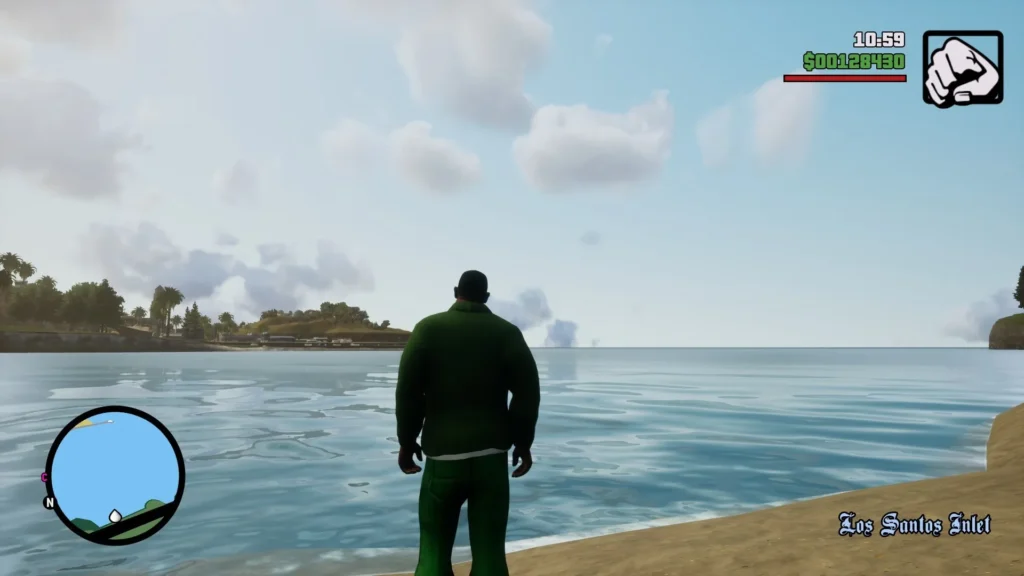
CLEO Redux is an experimental scripting runtime designed for GTA games and similar titles. It acts as a bridge between the game and custom scripts, allowing them to run alongside the game engine. The runtime is inspired by the original CLEO Library but offers more modern features and broader game support.
Unlike older versions of CLEO that relied solely on compiled SCM scripts, CLEO Redux also supports JavaScript-based scripting, which provides more flexibility and modern development tools for mod creators. Scripts can be written as compiled .cs files or plain text .js files and loaded directly by the runtime.
The main purpose of CLEO Redux is to simplify modding and enable custom gameplay scripts, making it easier for players to personalise their games with community-made modifications.
You may like: Notepad++
Key Features
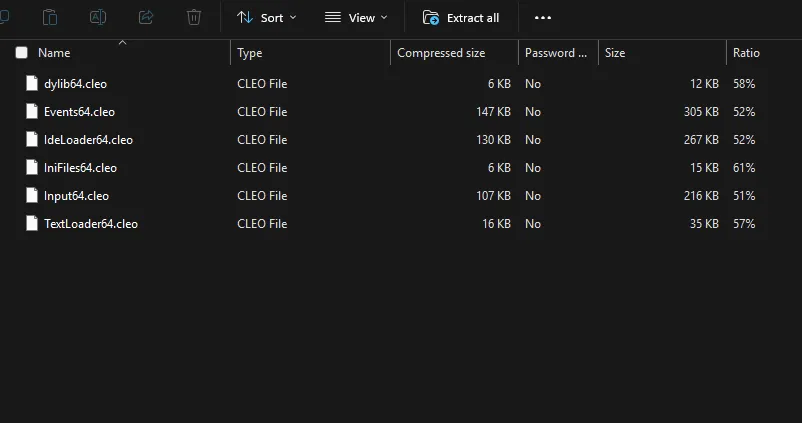
- Script Runtime for GTA Games
Allows custom scripts to run directly in supported games. - JavaScript and TypeScript Support
Developers can create scripts using modern programming languages instead of only SCM scripting. - SCM Script Compatibility
Supports compiled scripts (.cs) used by traditional CLEO mods. - Extensive Modding Possibilities
Add cheats, gameplay tweaks, missions, UI features, and new mechanics. - Open Source Development
The project is maintained publicly and updated regularly by the community. - Plugin and SDK Support
Developers can extend functionality by creating plugins or using the SDK. - Works Alongside Other Mods
CLEO Redux can run alongside many other GTA modding tools and frameworks.
You may like: GTA Offline: The Mansion Raid Heist
Supported Games

CLEO Redux supports several Rockstar titles and related projects. According to official documentation, supported games include:
Grand Theft Auto Series
- GTA III (1.0)
- GTA Vice City (1.0)
- GTA San Andreas (1.0)
- GTA IV: The Complete Edition
- GTA Trilogy: The Definitive Edition
Other Supported Titles
- Bully: Scholarship Edition
- re3 and reVC projects
Support may vary depending on the game version and update.
You may like: GTA 5 Mod Loader (OpenRPF.asi, OpenIV.asi)
How to Install CLEO Redux
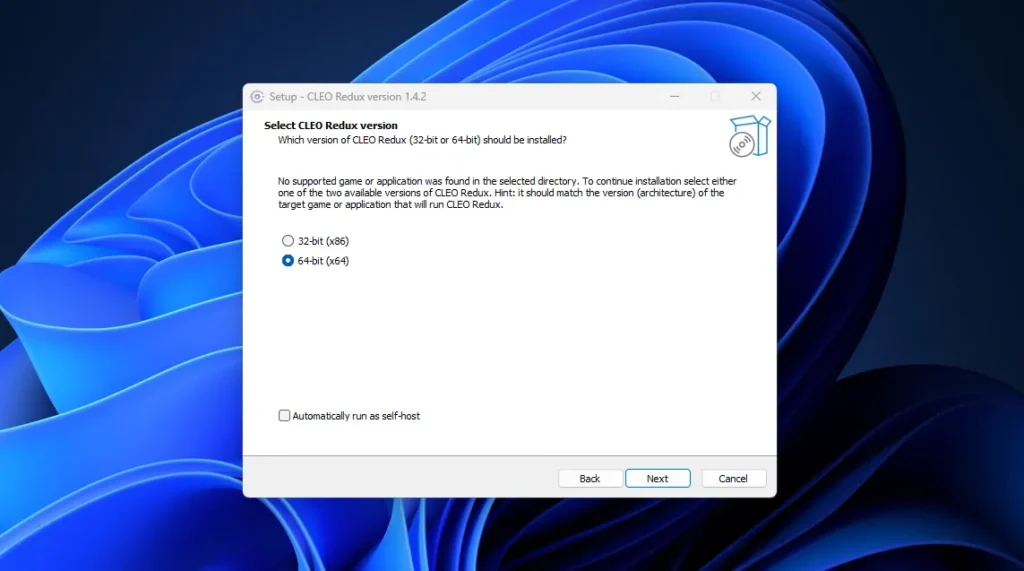
Follow these steps to install CLEO Redux on your game:
- Download CLEO Redux: Download the latest release from the official repository or mod page.
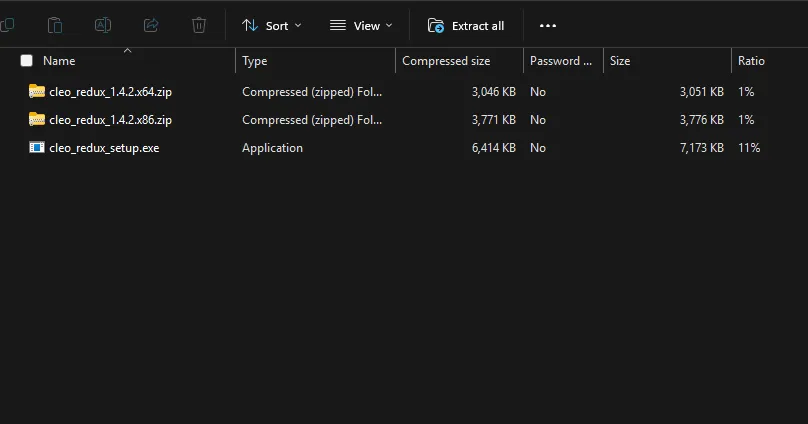
- Run the Installer: Run the cleo_redux_setup.exe installer included in the download.
- Select Your Game Folder: Choose the directory where your game executable is located. The installer automatically detects supported games based on the executable name.
- Install Required Files: The installer will download and install required dependencies such as plugins and runtime files.
- Launch the Game: Once installation is complete, start the game normally. CLEO Redux will automatically load with it.
By installing CLEO Redux, users gain access to thousands of scripts created by the modding community, which can improve graphics, add new gameplay mechanics, or introduce entirely new missions.
You may like: GTA 5 NaturalVision Lite Custom Settings
How to Use CLEO Redux
After installing CLEO Redux, using scripts is simple:
- Download a CLEO script mod compatible with your game.
- Copy the script file into the CLEO folder created in your game directory.
- Launch the game.
- The script will automatically load when the game starts.
Some scripts may require specific hotkeys or commands to activate features in the game.
You may like: Disable Battleye in Rockstar Games Launcher
How to Play Games with CLEO Scripts

Playing with CLEO Redux scripts usually works like this:
- Install CLEO Redux and any required plugins.
- Install compatible CLEO script mods.
- Start the game normally.
- Activate script features using the assigned key combinations or in-game triggers.
Scripts can add features such as:
- Custom missions
- Gameplay cheats
- New vehicles or mechanics
- Camera improvements
- HUD modifications
This allows players to experience completely new gameplay possibilities.
You may like: How to Verify Integrity of GTA Games
Download Section

You can obtain CLEO Redux from here:
Newer Releases
These releases include 32-bit files for games (e.g. GTA III, VC, SA, Bully, GTA IV) and 64-bit files for games (e.g. GTA: The Trilogy):
| Release | Version | Full Package |
|---|---|---|
| Feb, 2026 | 1.4.3 | Download |
| Dec 20, 2025 | 1.4.2 | Download |
| Nov 8, 2025 | 1.4.1 | Download |
| Oct 27, 2025 | 1.4.0 | Download |
| Mar 27, 2025 | 1.3.3 | Download |
Original Releases
Following versions work for all original games (e.g. GTA III, VC, SA, Bully, GTA IV):
| Release | Files (64-bit/32-bit) |
|---|---|
| Nov 24, 2024 | Download |
| Aug 28, 2023 | Download |
| Jun 19, 2023 | Download |
| Feb 22, 2023 | Download |
| Jan 27, 2023 | Download |
| Dec 27, 2022 | Download |
| Nov 18, 2022 | Download |
| Oct 25, 2022 | Download |
| Sep 10, 2022 | Download |
| Aug 20, 2022 | Download |
| Jul 1, 2022 | Download |
| May 13, 2022 | Download |
| Apr 22, 2022 | Download |
| Mar 4, 2022 | Download |
| Feb 22, 2022 | Download |
Legacy Files
| Release | 32-bit | 64-bit |
|---|---|---|
| Jan 24, 2022 | Download | Download |
| Dec 17, 2021 | Download | Download |
| Oct 30, 2021 | Download | – |
| Sep 30, 2021 | Download | – |
| Aug 22, 2021 | Download | – |
Credits: SannyBuilderDev, CLEO Library, Sergey P. (ThirteenAG), Denilson das Mercês Amorim (thelink2012), and XMDS
FAQ’s

Frequently Asked Questions:
What is CLEO Redux?
CLEO Redux is a scripting runtime that allows players to run custom scripts in supported games like GTA III, Vice City, San Andreas, and GTA IV. It enables advanced gameplay modifications without modifying the original game files.
Is CLEO Redux safe to use?
Yes. CLEO Redux is widely used in the modding community and is open-source. However, you should always download it from official sources and create a backup of your game files before installing mods.
Does CLEO Redux support JavaScript scripts?
Yes. One of the major improvements of CLEO Redux is support for JavaScript and TypeScript scripts, in addition to traditional SCM scripts.
Can I install CLEO Redux with other mods?
Yes. CLEO Redux is compatible with many other GTA mods, although compatibility may vary depending on the specific mod.
Where should I install CLEO scripts?
CLEO scripts should be placed inside the CLEO folder located in your game directory. The runtime automatically loads scripts from this folder when the game starts.
Do I need additional plugins?
Some scripts may require additional plugins or tools such as an ASI loader. These are sometimes included in installers or must be installed separately.