



Download the best GTA V Settings.XML file for Enhanced and Legacy editions. Improve FPS, reduce stuttering, and enjoy balanced graphics with our optimised default configuration.
Table of Contents
This guide provides free, optimised GTA V Settings.XML files for both the Enhanced and Legacy editions of Grand Theft Auto V. The files are intended to deliver a balanced mix of performance and image quality, helping players achieve smoother gameplay with minimal effort.
The article also includes installation instructions, compatibility information, and answers to common questions to ensure a straightforward setup.
You may like: GTA 5 NaturalVision Lite Custom Settings for Low-End PCs
About GTA V Best Settings.XML File

If you want the perfect balance between performance and visual quality in Grand Theft Auto V, using an optimised Settings.XML file is one of the easiest solutions. Instead of spending hours tweaking graphics options, you can simply replace your existing configuration with a tested default file.
Our Settings.XML files are designed for both GTA V Enhanced and GTA V Legacy, providing smoother gameplay, improved frame rates, and stable performance without making the game look significantly worse.
If you’re playing on a low-end PC, a mid-range gaming system, or an older laptop, these files offer an excellent starting point.
You may like: Custom Graphics Tag Settings in GTA V
How GTA V Settings.XML File Works?

The Settings.XML file stores nearly all of GTA V’s graphics and display preferences, including:
- Screen resolution
- Refresh rate
- Texture quality
- Shadow quality
- Reflection quality
- Population density
- Grass quality
- Anti-aliasing
- V-Sync
- Distance scaling
- Advanced graphics settings
Whenever you change graphics options in-game, GTA V updates this file automatically.
You may like: Boost FPS in GTA 5 with Custom Commands and Settings
Why Use Our Default Settings.XML?

Our configuration has been carefully balanced to provide:
- Better overall FPS
- Reduced frame drops
- Less stuttering
- Faster game loading
- Stable graphics settings
- Excellent visual quality for everyday gameplay
- Compatibility with both Enhanced and Legacy editions
Unlike extreme performance tweaks, these settings preserve the game’s appearance while removing unnecessary graphical overhead.
Related Post: GTA 5 Custom Settings for Potato PC
Installation
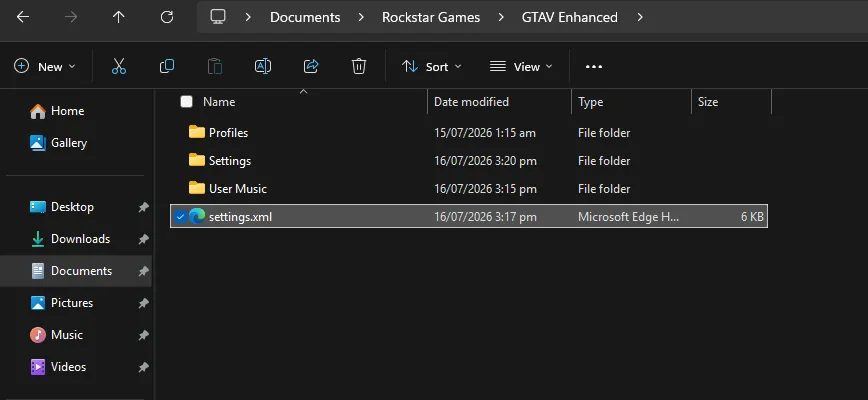
Installing the Settings.XML file only takes a minute.
- Close GTA V completely.
- Navigate to:
Documents\Rockstar Games\GTA V - Locate your existing Settings.XML file.
- Create a backup by renaming it to:
Settings_Backup.XML - Copy the downloaded Settings.XML into the folder.
- Launch GTA V.
- If required, adjust only your screen resolution to match your monitor.
You may like: Download NaturalVision Lite GTA V Legacy Edition: NVE Low PC
Recommended For
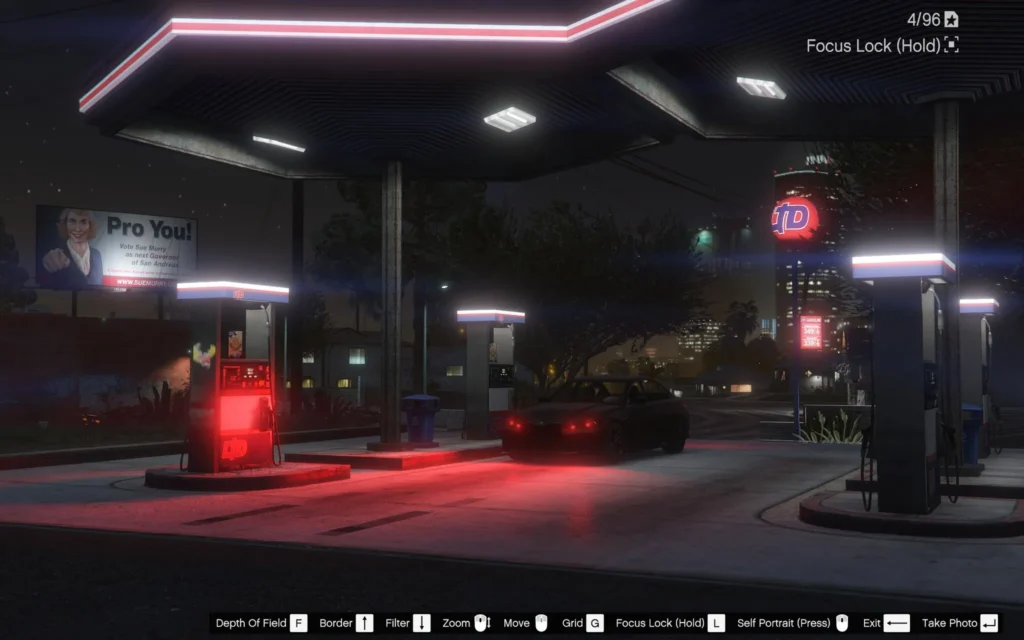
These default settings work well for:
- Low-end PCs
- Mid-range gaming PCs
- Gaming laptops
- Older hardware
- Players looking for stable performance
- Users experiencing FPS drops or stuttering
You may like: NaturalVision Evolved Classic – GTA V Legacy Edition
Can I Edit the Settings Later?
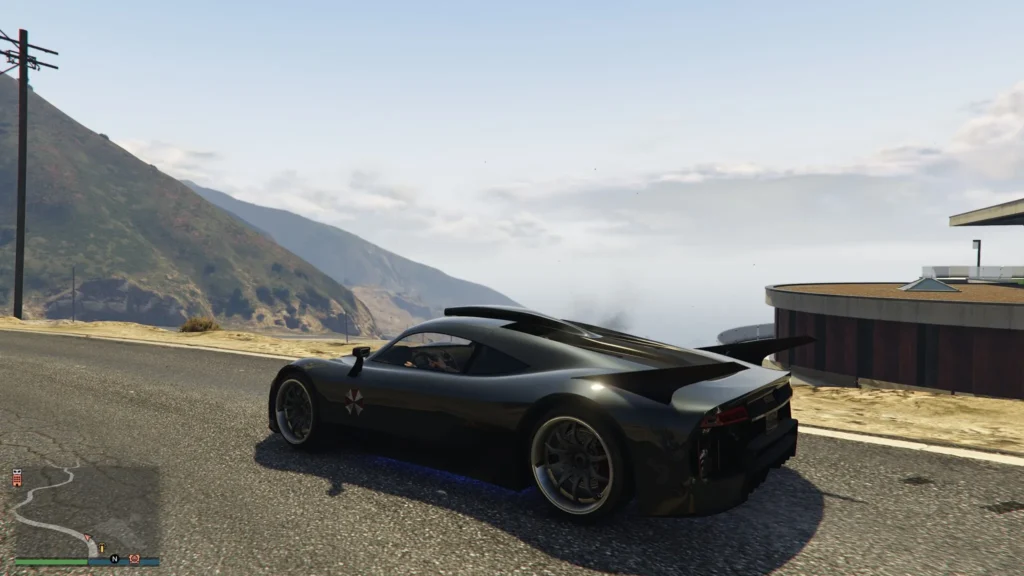
Yes. The file simply provides an optimised starting point. After installing it, you can still change any graphics option from GTA V’s settings menu, and the game will update the XML file automatically.
Final Thoughts
If you’re looking for a quick way to improve GTA V’s performance without experimenting with dozens of graphics settings, our optimised Settings.XML files are an excellent choice. They offer a balanced combination of smooth gameplay, improved FPS, and attractive visuals for both GTA V Enhanced and GTA V Legacy.
You may like: NaturalVision Enhanced for GTA 5 Enhanced Edition
Download Section
Download the version that matches your game, install it in a few simple steps, and enjoy a smoother GTA V experience.
FAQ’s

Frequently asked questions:
Where is the GTA V Settings.XML file located?
The GTA V Settings.XML file is usually stored in the Documents > Rockstar Games > GTA V folder. This is where the game saves your graphics and display preferences. Before replacing the file, it is recommended to create a backup of your existing Settings.XML.
Is this Settings.XML compatible with GTA V Enhanced and Legacy?
Yes. Separate versions are available for both GTA V Enhanced and GTA V Legacy. Make sure you download the file that matches the version of GTA V installed on your PC.
Will this Settings.XML improve FPS?
Yes. The configuration is optimised to improve overall performance by balancing graphical quality and hardware usage. While FPS gains vary depending on your PC specifications, most users can expect smoother gameplay and reduced stuttering.
Can I customise the settings after installing the file?
Yes. After installing the Settings.XML file, you can change any graphics option from the in-game settings menu. GTA V will automatically update the configuration file to reflect your changes.
Is it safe to use GTA V custom Settings.XML file?
Yes. A Settings.XML file only contains your graphics and display preferences. It does not modify game files, install third-party software, or affect GTA Online, making it safe to use.
Will this work on low-end PCs?
Yes. These default settings are designed to provide a balanced experience across a wide range of hardware, including many low-end and mid-range PCs. However, older systems may still require additional adjustments for the best performance.
Do I need to replace my existing Settings.XML file?
Yes. To use the optimised configuration, replace your current Settings.XML with the downloaded version. It is always advisable to back up your original file first so you can restore it if needed.
Will I lose my game progress?
No. Your game progress and save files are stored separately from the Settings.XML file. Replacing the configuration file only changes graphics and display settings.
Which version should I download?
Download the Enhanced Settings.XML if you are playing the GTA V Enhanced edition, or the Legacy Settings.XML if you are using the Legacy version. Installing the correct version ensures the best compatibility and performance.