


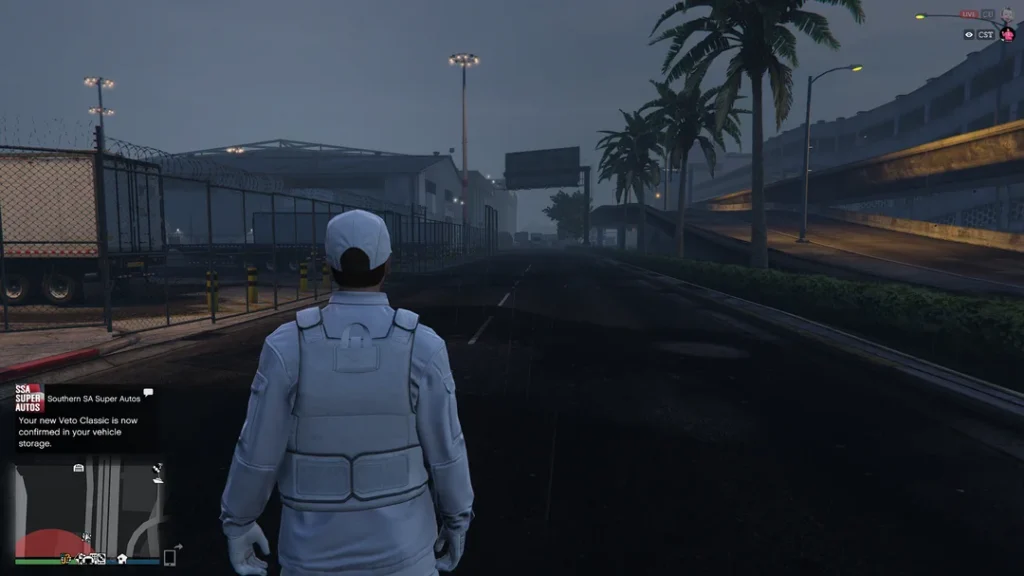
Grand Theft Auto Online (GTA Online) offers an expansive and immersive world, but for many players, the fun doesn’t stop there. Mods, or modifications, allow players to enhance and personalize their gaming experience beyond the vanilla version. If you’re new to installing multiplayer mods in GTA Online, this guide will walk you through the basics.
Table of Contents
Understanding Mods and Their Risks
Before diving in, it’s important to note that Rockstar Games, the developer of GTA Online, has a strict policy against mods in the online mode. Using mods can result in bans from the game. However, there are safe ways to enjoy mods by using dedicated modding communities and tools that are specifically designed for this purpose.
Step 1: Backup Your Game
Modding can sometimes cause issues or conflicts with your game files. To avoid losing your progress or having to reinstall the game, make sure to back up your GTA V files. This can usually be done by copying the entire game folder to a different location on your hard drive.
Step 2: Install Script Hook V
Script Hook V is an essential tool that allows custom scripts to be used in GTA V. Follow these steps to install it:
- Download Script Hook V.
- Extract the downloaded files.
- Copy
ScriptHookV.dllto the main GTA V folder whereGTA5.exeis located. - Do the same for
dinput8.dllandNativeTrainer.asiif you wish to use the trainer.
Step 3: Choose a Mod Manager
Using a mod manager can simplify the process of installing and managing mods. Popular options include OpenIV. Download and install one of these managers, then follow their instructions to set up your mods.
Step 4: Find Multiplayer-Compatible Mods
Not all mods are compatible with multiplayer, and using the wrong mods can get you banned. Look for mods specifically designed for FiveM for GTA 5 or other multiplayer modding frameworks. These mods are created to work within the confines of multiplayer environments without violating Rockstar’s terms of service.
Step 5: Install FiveM
FiveM is a popular multiplayer mod framework for GTA V. Here’s how to install it:
- Download the FiveM client from gamedecide.com.
- Run the FiveM.exe file to start the installation process.
- Follow the on-screen instructions to complete the installation.
Step 6: Add Mods to FiveM
Once FiveM is installed, you can start adding mods:
- Locate the FiveM application data folder (usually in your AppData directory).
- Open the
modsfolder within the FiveM application data. - Copy the mod files into this folder, following the instructions provided by the mod creator.
Step 7: Join Modded Servers
To enjoy your mods, you’ll need to join a server that supports them. Open the FiveM client and browse the list of available servers. Look for servers that mention support for the mods you’ve installed. Joining these servers will allow you to play with other modded players without risking a ban from GTA Online.
Conclusion
Modding GTA Online for multiplayer can add a new layer of enjoyment to the game. However, it’s crucial to follow safe practices to avoid any negative consequences, such as game bans or crashes. By backing up your game, using reputable tools, and choosing the right mods, you can enhance your GTA Online experience and join a community of like-minded players.


