


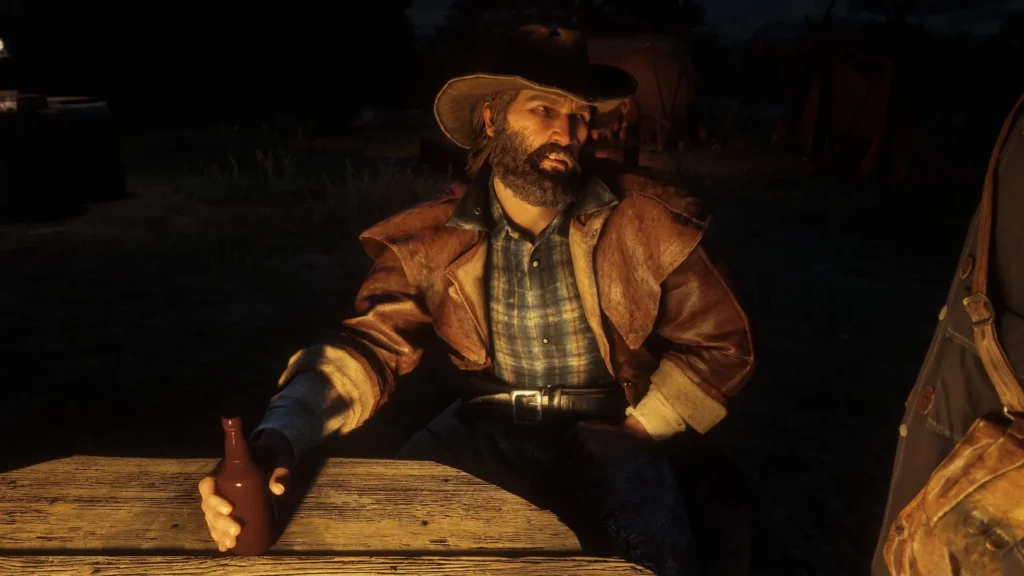
Check the full Red Dead Redemption II (RDR 2) system requirements for the PC with minimum and recommended specifications needed on Windows computers and learn a detailed guide on completing the required operating system (OS), CPU, RAM memory, storage, and graphics card (GPU) for this video game.
Table of Contents
Similar to RDR 1 system requirements, this Red Dead Redemption II game also required modern directx and better ram support for smooth gameplay experince.
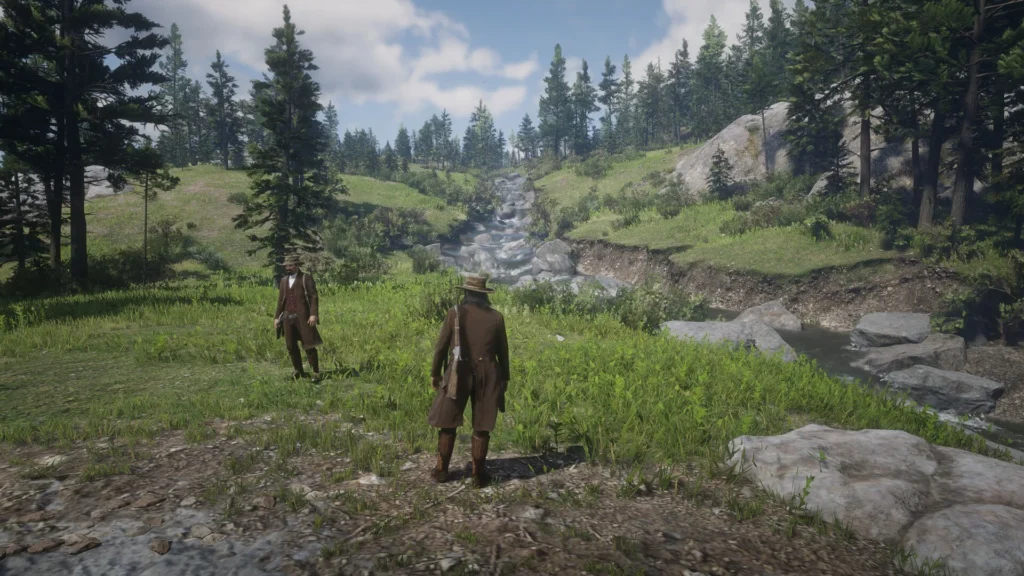
RDR 2 System Requirements
The section below contains the latest specs needed to play Red Dead Redemption II (RDR 2) with minimum and recommended system requirements of the new game edition. So, can you run it on your PC, laptop, or on other Windows devices? Here is the list of this game’s reqs:
Minimum Requirements:
- OS: Windows 10 – 64-bit
- Processor: Intel® Core™ i5-2500K / AMD FX-6300
- Memory: 8 GB RAM
- Graphics: Nvidia GeForce GTX 770 2GB / AMD Radeon R9 280 3GB
- Dedicated Video Memory: 2048 MB
- Network: Broadband Internet connection
- Storage: 160 GB available space
- Sound Card: Direct X 12.1 Compatible
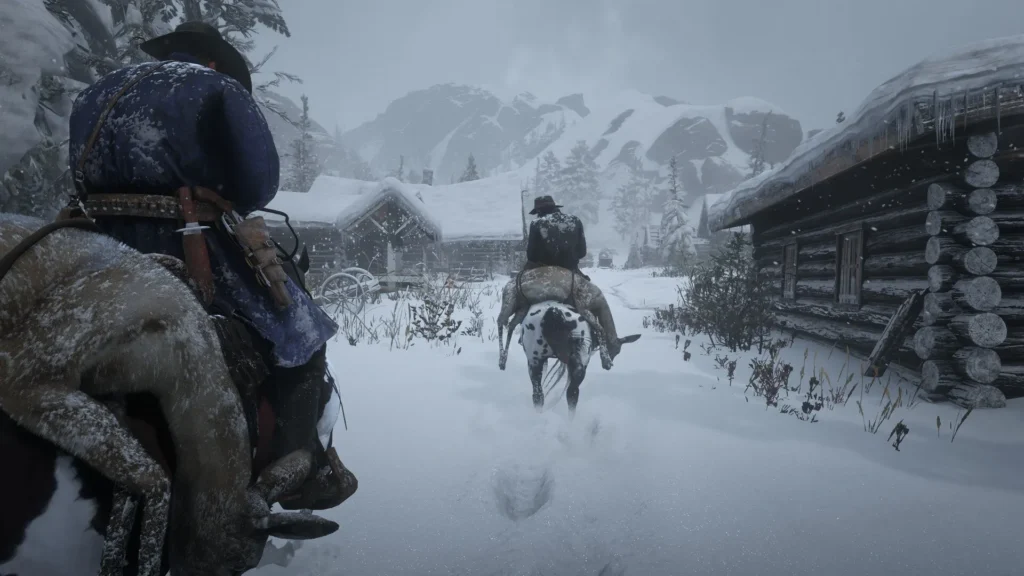
Recommended Requirements:
- OS: Windows 10 – 64-bit
- Processor: Intel® Core™ i7-4770K / AMD Ryzen 5 1500X
- Memory: 12 GB RAM
- Graphics: Nvidia GeForce GTX 1060 6GB / AMD Radeon RX 480 4GB
- Dedicated Video Memory: 4096 MB
- Network: Broadband Internet connection
- Storage: 150 GB available space
- Sound Card: Direct X 12.1 Compatible
Red Dead Redemption II (RDR 2)
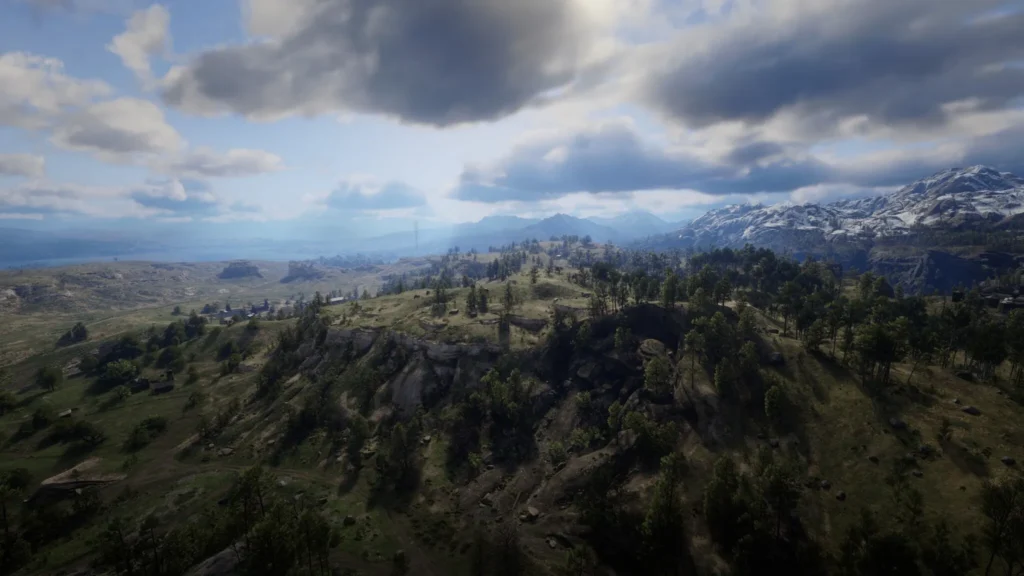
Red Dead Redemption II (RDR 2), an epic open-world Western adventure, invites players to step into the boots of Arthur Morgan and immerse themselves in the vast and immersive landscapes of the American frontier.
Developed by Rockstar Games, this critically acclaimed title offers a rich narrative, breathtaking visuals, and a living, breathing world filled with opportunities and challenges.
You may like: Battlefield REDSEC System Requirements PC
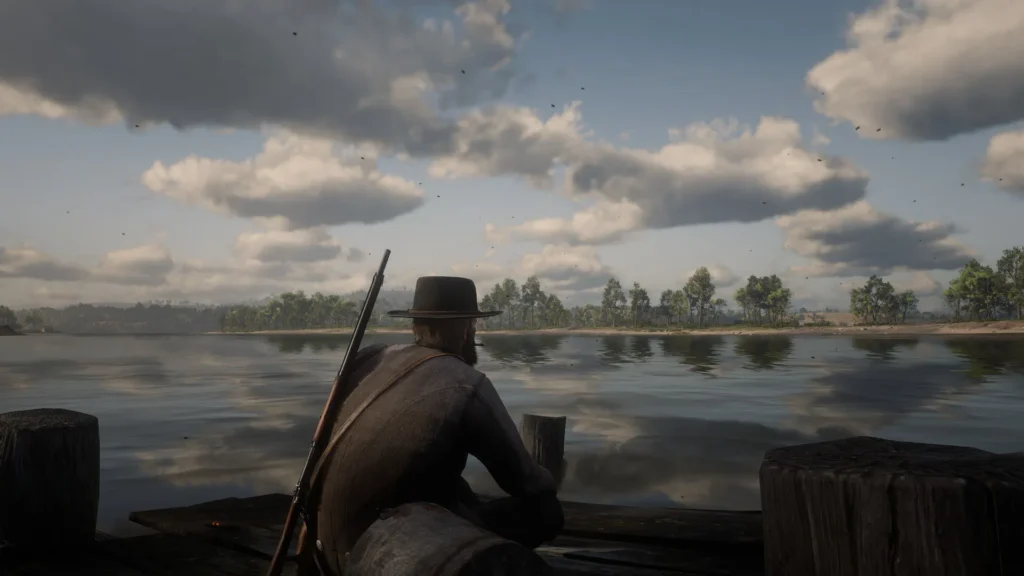
To fully experience the grandeur of the Wild West in Red Dead Redemption II, understanding the system requirements on the Epic Games platform is crucial.
Red Dead Redemption II transports players to a meticulously crafted depiction of the American frontier, offering a sprawling open-world experience teeming with life, stories, and opportunities.
You may like: Cronos: The New Dawn System Requirements PC
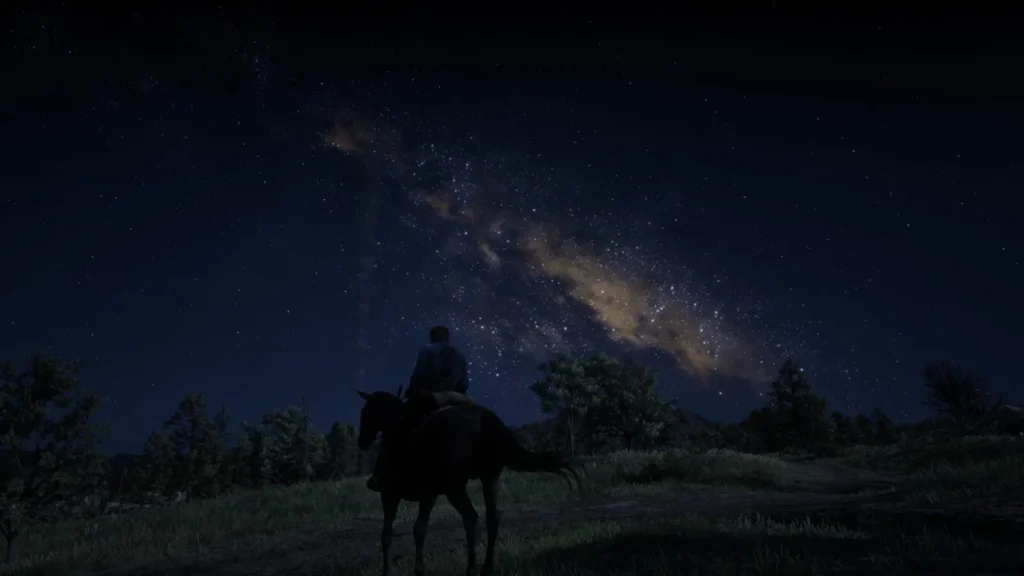
As you roam through landscapes ranging from snowy mountains to bustling towns, the game’s narrative weaves a tale of outlaws, lawmen, and the struggle for survival.
To fully embrace the immersive Wild West experience of Red Dead Redemption II, ensuring your PC meets or surpasses the minimum and recommended system requirements is paramount. These specifications unlock a world of breathtaking visuals, dynamic storytelling, and a true cowboy adventure.
You may like: Marvel’s Spider-Man 2 System Requirements (Windows PC)
FAQ’s
Here are FAQs about this video game:
What are the minimum system requirements for RDR2?
To run the game at a basic level, you will need a 64-bit version of Windows 10, an Intel Core i5-2500K or AMD FX-6300 processor, 8GB of RAM, and a graphics card such as the Nvidia GeForce GTX 770 (2GB) or AMD Radeon R9 280 (3GB). Additionally, the game requires around 150GB of storage space and a DirectX-compatible sound card.
What are the recommended system requirements for better performance in RDR 2?
For a smoother and more visually impressive experience, the game recommends an Intel Core i7-4770K or AMD Ryzen 5 1500X processor, along with 12GB of RAM. A stronger graphics card such as the Nvidia GeForce GTX 1060 (6GB) or AMD Radeon RX 480 (4GB) is also advised, while the storage requirement remains at 150GB.
How much storage space does RDR2 need?
The game requires approximately 160GB of free hard drive space, which is quite large compared to many other titles. This size is due to its highly detailed open world, textures, and extensive content.
Can RDR2 run on 8GB RAM?
Yes, the game can run on 8GB of RAM as this meets the minimum requirement. However, performance may be limited, and players might experience lower frame rates or need to reduce graphics settings for smoother gameplay.
Is a high-end graphics card necessary for RDR 2?
A high-end graphics card is not strictly necessary, but it significantly improves visual quality and performance. While minimum GPUs can run the game, stronger cards allow higher settings, better textures, and more stable frame rates.
Does RDR2 require an internet connection?
Yes, an internet connection is required for initial activation, updates, and online features. You will also need a Rockstar Games account to access and play the game properly.
What operating system is required for RDR 2?
The game requires a 64-bit version of Windows 10 to run properly. Older operating systems may not be supported or may cause compatibility issues.
Why are the RDR 2 system requirements so high?
The system requirements are relatively high because the game features a vast open world, realistic physics, and highly detailed graphics. These elements demand powerful hardware to ensure smooth gameplay and visual fidelity.